Requirements Traceability: Beyond the Paper Trail
Discover how requirements traceability moves from stale documentation to active database links that gate project goals and verify actual delivery.
Does closing a ticket mean its requirement is met? Does the goal know someone checked the result, or does it only see finished work? The backlog can look done. The project record may stay open.
An engineer closes a ticket and later finds its requirement still marked implemented. The linked goal stays open. The work ended, but no one marked it as met. That choice is separate. The gap shows when requirements traceability helps and when it adds paperwork. For engineers reviewing an agent-driven developer workflow, the gap is easy to miss, because an agent can finish its task and leave the final sign-off to someone else.
Why Can a Closed Ticket Leave a Goal Open?
A closed ticket says the assigned work ended. A verified one says someone checked the result and approved it. The two answer different questions.
The usual idea makes sense: the requirement points to a ticket, so closing the ticket should settle both. Yet a ticket may close with no test. A test may cover part of it. Scope may also change before closure.
A finished work item is a delivery signal. A verified requirement is an acceptance decision.
A grocery receipt shows the ingredients were bought. It does not show that dinner got cooked. A closed ticket is the receipt.
Incomplete links are the risk. A study of 24 medium-to-large open-source projects found that more complete traceability significantly reduced expected defect rate, as reported in empirical requirements traceability research (Rempel and Mäder, IEEE Transactions on Software Engineering, 2017). A ticket that closes with no verified requirement behind it is exactly an incomplete link.
A static file cannot enforce that split. A spreadsheet can pair requirement IDs with ticket IDs, and a person can check each row after an update. Then it falls behind. Needs change and tickets split. Old tests get replaced. The matrix cannot tell which change broke a link. A 2025 study on requirements generation and traceability recovery points at the same weakness: existing recovery methods build static trace links and overlook how a project evolves (see also the arXiv version of the paper). A rule must read the link before a goal can wait for evidence.
What Does AuricIDE Do After the Ticket Closes?
AuricIDE keeps each requirement as its own record and shows whether it is verified. A person or an agent makes the call.
Mission Control shows the current state. Its Verify tile gives a ratio such as 3/5: fresh, verified items over everything marked active, implemented, or verified. When some need a look, an amber N stale/unverified button appears, and the status bar shows an amber light. Neither pings anyone. The signal stays on screen until someone looks.
A requirement has five states: draft, active, implemented, verified and deprecated. Implemented does not mean accepted.
A dedicated link table joins the two because either side may link to several records on the other side. Each link has its own row. Each test case carries its ticket. The path runs from requirement to test case to ticket.
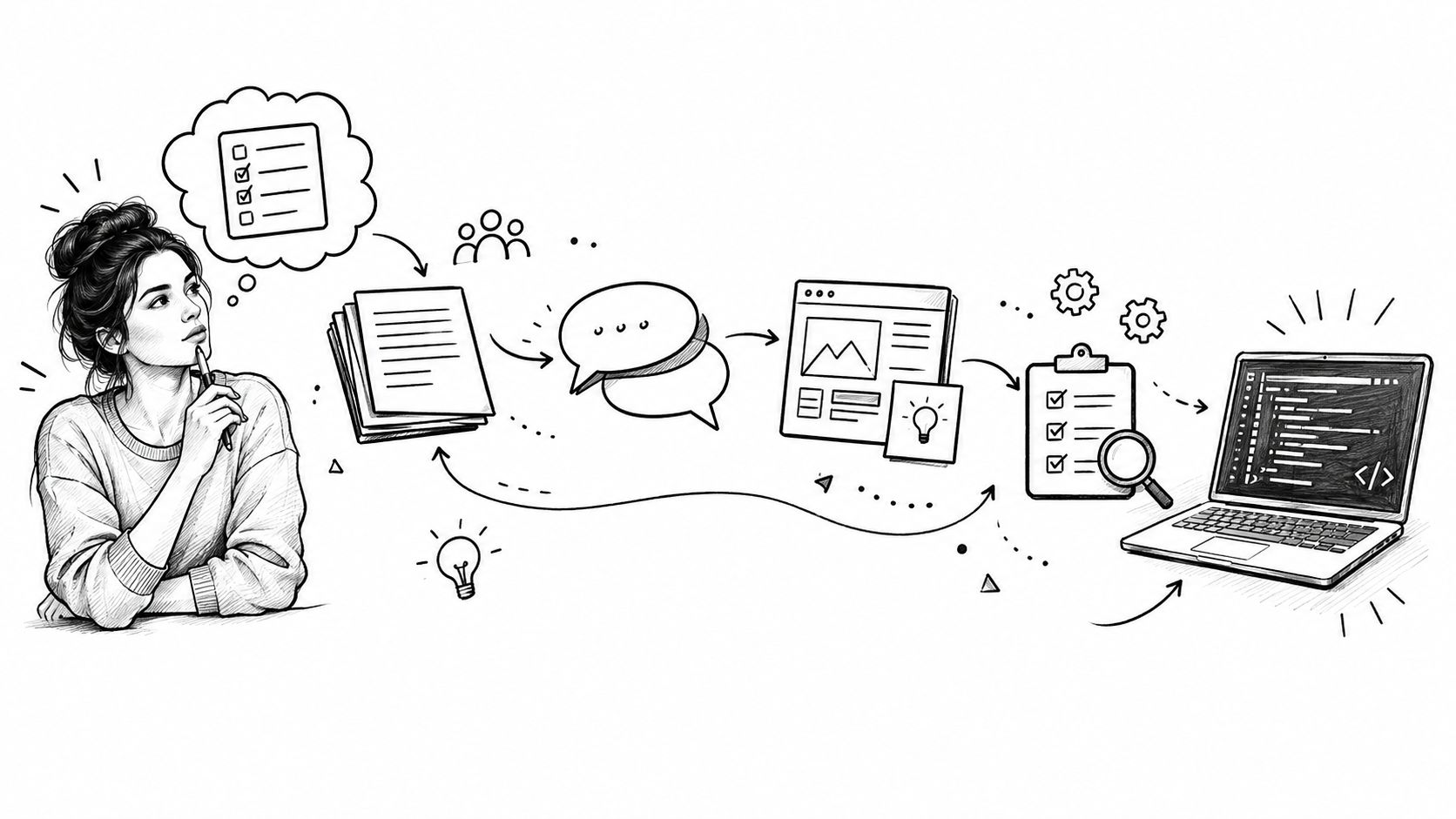
No direct requirement-to-commit field exists. No Git tag appears there. The test case ties a stated behavior to the ticket that carries the work, which is the structure behind the AI coding workflow in the tool.
Someone must verify it. A person presses Verify Now beside the "Last Verified" field, while an agent calls the verify_requirement MCP tool. Both set the status to verified. Both stamp the current time. Neither path runs tests. AuricIDE reads no code and does not judge whether the result is correct. The click or call records a choice someone already made from evidence. A requirement can stay verified after a linked test starts failing, because the status only changes when someone changes it. The tool records the choice and cannot make it sound.
A requirement may also link straight to a goal. The goal check reads its status, and verified is the sole passing state. Draft, active, implemented, and deprecated all block the goal. Closing the related ticket changes none of that. Verifying lifts the block. Other tickets, child goals, or goal-line stations may still keep the goal open, so one verified item never finishes the whole goal.
AuricIDE stores these records in a SQLite file inside the project's .auric folder. Agents use MCP to reach them. The desktop app and agents read the same rows instead of copying a matrix into a prompt.
The path is a small version of a standard idea. The model fits the broader definition of bidirectional traceability, where requirements connect backward to stakeholder needs and forward to design, implementation, and verification artifacts the requirements traceability matrix reference. That reference describes the textbook reach. The tool's own rule is narrower: a goal reads a status.
A workflow for automated code review tools may produce evidence for that decision, but the tool output doesn't press Verify Now by itself.
What Does Status-Gated Traceability Cost?
The gate adds a manual step, fixed states, and a record that someone must keep current.
The manual step comes first. Verify Now adds one step after the work and tests are done. If everyone forgets it, an implemented item keeps its goal open indefinitely. Nothing chases the missed step. The amber count helps when Mission Control or the status bar is visible.
The goal check needs fixed states. Free text may say "covered," but the check cannot know if that means built, tested, reviewed, or accepted. Each item needs the right link and status. Odd cases fit badly.
The timestamp gives the screen another signal without changing the gate. A verified item becomes stale when its last check was more than 30 days ago. Stale items join the active and implemented ones in the amber count, so none of them count in the verified part of the ratio. The goal check still reads status alone. An old check stays verified until someone changes it. Stale does not reopen the goal. The warning asks for another look, while the goal keeps the saved call.
A short-lived change may not need this much work. One ticket and a passing test can answer everything that matters, so the extra records add little. The gate helps when a goal must wait for a named sign-off across several pieces of work.
What Remains After the Paper Trail?
Requirements traceability comes down to one check: does a machine read the link and act on it, or does a person read it later?
A spreadsheet records intent, and a ticket records work. A test case names the covered behavior. Sign-off is the missing part, and it gates a goal only when the check reads it. NASA requirements management guidance links each requirement to parent expectations, child requirements and test plans across the lifecycle, and notes that the trace is usually recorded in a matrix or a modeling tool. Every link on that larger map still needs a clear meaning.
Follow one item through the real records in any tool. Ask three things: Where is the sign-off recorded? Which action changes it? Which check reads it? Comments and memory can explain the past, but they cannot hold a goal open.
Even a manual checklist improves when "ticket done" and "requirement accepted" use separate boxes.
AuricIDE keeps project state in a SQLite file inside the repository and exposes it over MCP. Visit AuricIDE to see the open-source desktop app for coordinating CLI coding agents around that model.