Multi Agent Coordination Is an Attention Problem
Multi agent coordination is not about running more agents at once. Learn how AuricIDE's Fleet attention rule and sequential chains solve it.
At 09:40, three CLI agents are running in AuricIDE's Fleet view. Two print useful output. The third has stopped at an input prompt. It waits while attention stays on the other terminals. Ten minutes pass. Nobody notices. Nothing crashed. No red error appeared. Work simply stopped and asked for help.
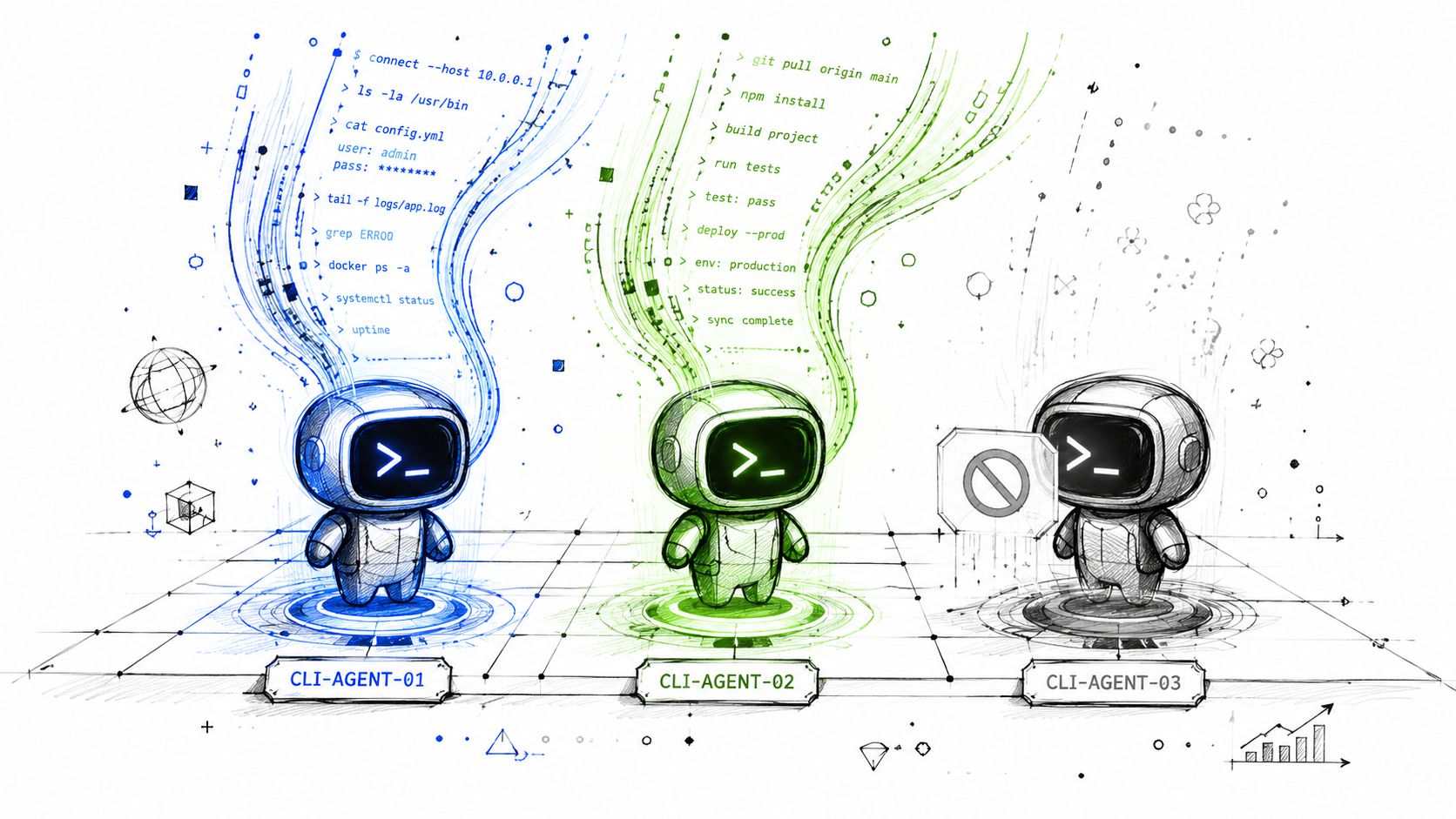
Another agent would not solve this. The limit is human attention, not process creation.
Multi-agent work sounds like running more things at once, but AuricIDE's Fleet view solves a different problem: which of several running agents needs a human first?
When Three Agents Run and One Goes Quiet
It is easy to equate coordination with parallel work: start more agents, split the task, and let them run at once. That helps when tasks are independent, but it misses the scene above.
Three processes create three places where work can stop. More terminals mean more output to check. A prompt may look like a quiet terminal, not a fault. The process can be healthy while the work is already stuck.
Think of three pots on three burners. The urgent issue is not burner count. It is the pot about to boil over. A fourth burner adds one more surface to watch. It does not rank the pots.
Practical rule: concurrency creates capacity; coordination decides where attention goes.
AuricIDE makes that choice part of the workspace. Each repository appears as a starred, app-like tile. Local agents run as PTY child processes tied to the project. More terminal output is not the useful signal. A ranked state is.
That distinction also fits the wider coordination problem. MultiAgentBench evaluates collaboration quality alongside task completion and compares star, chain, tree, and graph communication topologies. Each shape changes how messages move and how much sync work people must handle. A fleet needs an attention rule before it needs more agents.
Why More Parallelism Is the Wrong Fix
Parallel work cannot fix a bad attention signal. It helps with independent tasks. It does not show whether a quiet process is waiting for input, stalled, or done without success.
The first model is simple: coordination means dispatch. A coordinator starts work, agents run it, and doing several jobs at once adds capacity. But that model says little about the point when one agent needs a choice while its operator watches another.
AuricIDE asks about attention before throughput. The Fleet view folds several process states into one ranked badge. A person can scan project tiles before opening agent cards. The badge is an alert, not a transcript.
A quiet terminal is a poor status report.
The distinction matters beyond one desktop application. Industry analysis describes coordination overhead as capable of consuming 40–50% of execution time, with repeated context retrieval taking a large share. It also reports that multi-agent workflows may use about 15× more tokens than chat interactions because of message passing and synchronization. That orchestration analysis points toward shared state and caching as ways to reduce repeated work, but those mechanisms still need a clear human escalation path.
So the useful question is narrow. Which state should interrupt someone first? Once a system answers it, Fleet can run agents in parallel without calling parallel work coordination.
How Does the Fleet View Decide What Needs Attention First
The Fleet view ranks error above blocked-on-input above stalled. It folds the highest state into one badge on the project or repository tile. That gives the operator one signal to scan before opening agent cards.
AuricIDE starts external coding-agent CLIs as local PTY child processes. It reads each process result. Success or failure comes from the process exit status, not a raw numeric exit code shown directly to the user. A failed process ranks above one that waits for input. A stalled process stays visible below both. The rule is fixed. The scan is fast.
The badge answers one question: does this project need attention? When a state changes, Fleet shows the highest-ranked condition. Nobody must read every live stream first. The operator finds the strongest signal, opens its project, and checks the cause.
That small choice changes the job.
Where shared state fits
The badge directs attention. Shared project state keeps work moving across agents. AuricIDE exposes goals, tickets, requirements, test cases, dependencies, and history through MCP, so connected agents can read the same project facts instead of pushing every handoff through another prompt. The MCP server for AI agent coordination describes that boundary in practical terms.
Fleet does not guess intent from silence. It uses process state and named status groups. People can check the signal, then inspect the cause.
Why Chains Run One Step at a Time
A combo holds one current step index and one current agent. It has no fan-out or fan-in. It stays within one project. Within a combo, “multi-agent” means an ordered handoff, not branches that run together.
Each step chooses a skill discovered from the configured directories, and that skill supplies a prompt while setting the provider, model, and permission mode. A read-only check can feed a write-enabled fix. A test step may follow. But the next step starts only after the current step succeeds.
The handoff uses a cleaned terminal tail. AuricIDE strips ANSI sequences and filters terminal chrome. It removes duplicates. Then it takes up to 2000 characters, working backward from the newest line and stopping at a line boundary. The next skill gets that tail with its own prompt.

A failed step stops the chain. Bad output does not flow into later work in the hope that another agent repairs it. The AI agent orchestration framework discussion provides the broader context for treating orchestration as explicit workflow control.
The cap creates a clear risk. An agent may print its key finding early, then fill the terminal with a long diff or logs. The finding can fall outside the newest tail. There is no cap override. Important results must appear near the end.
Separate agents can run at once in Fleet. A combo remains one ordered path.
What Do You Trade for This Design
One badge trades detail for a fast first choice. It shows that a project needs attention before it shows which agent caused the state. The operator still opens the project and finds the cause.
That keeps Fleet easy to scan. A badge for every condition would show more detail, but the overview would become another dashboard to decode. AuricIDE shows one strong signal. Agent cards hold the detail.
A combo has a different cost. It cannot split into independent checks and merge their results later. One combo cannot express fan-out or fan-in. People must start separate Fleet runs and watch them.
This cost is deliberate. A straight path makes permissions and failures easy to follow. A write-enabled step can start after a read-only step finds what must change. If a step fails, later work cannot proceed from an unsafe terminal tail.
Shared state also costs something. MCP lets agents use the same project data, stored in a SQLite file inside the repository, but AuricIDE tells git to ignore that file. A clone has no project data unless someone chooses to un-ignore it. Local context stays local by default. The local AI agents overview covers that local-first boundary without turning it into a promise of measured savings.
No published time-saving figure supports a larger claim. The concrete saving is manual copying. The next step gets the cleaned terminal tail, so nobody must rewrite the prior result as a new prompt.
What Holds True When You Switch Tools
Any useful coordination system must answer two questions. Which running task needs attention? Which finished result may start the next task? AuricIDE answers the first with a ranked Fleet badge. It answers the second with a combo that runs in order, passes a limited tail, and stops after failure. Other tools may use different screens or states. The same test works across tools. Running several agents matters less than directing human attention and making failed handoffs easy to inspect.
AuricIDE offers a local desktop workspace for running CLI coding agents as a coordinated fleet, with Fleet attention states and ordered combos for controlled handoffs. Visit AuricIDE to inspect the open-source project and see how its local process and shared-state model fits an existing agent workflow.