Engineering Productivity Tools for Multi-Agent Coding Fleets
Engineering productivity tools matter most when running several coding agents. See how AuricIDE ranks fleet attention, registers providers, and stars repos.
Tuesday, 14:02. Five agents are open. One badge is red. The engineer is routing attention instead of writing code.
A microservice refactor waits in one window, a flaky test chase runs in another, and a dependency update has stalled. The docs sweep needs credentials. A half-finished branch is trying to touch a file that no longer exists. At this point, the best productivity tool shows which running agent needs help now.
| Mechanism | What the person sees | What the person does |
|---|---|---|
| Attention ranking | One badge that combines many agent states | Open the highest-priority agent first |
| Dynamic providers | A new agent CLI appears after import | Add or retire a CLI without restarting |
| Starred repositories | Stable repo tiles instead of a recency list | Jump back to the right project quickly |
| Chains and skills | Ordered steps with a terminal tail handoff | Let a sequence run, then fix the failure |
| Shared project state | One set of goals, tickets, requirements, and history | Stop re-pasting context between agents |
Five Terminals, One Person
Five terminals can all be busy. One needs help. The engineer needs a focused view that points to it.
The red badge beats the quiet ones
The Fleet view in AuricIDE groups running agents by repository and shows their combined state in one attention badge. Error outranks blocked-on-input, blocked-on-input outranks stalled. When no agent needs help, the panel reads “all quiet”. That small rule is enough.
A click on the badge opens the right agent.
The engineer can fix the real blocker first. In the opening case, that meant pasting credentials, killing a dead process, and letting the other two agents finish without interruption.
Practical rule: with five active tasks, scan for the worst unresolved state before reading the latest output.
The badge changes how the engineer handles the fleet. Each window stops being a separate mystery. The agents become one work queue. Its priorities are clear. The engineer can leave healthy agents alone while focusing on the process that has failed, stalled, or asked for input. In this case, nobody had to search the logs first.
Why Is Faster Code the Wrong Bottleneck?
Typing speed stops being the main bottleneck when several agents run at once. It still matters during single-agent work. One person must now watch several independent processes that can fail, stall, or wait for input at different times during the same run.
The comparison is simple. A cook who chops faster can still burn dinner by leaving the pan unwatched. Multi-agent work has the same problem, except the pans keep asking for credentials.
The real cost is attention
A 2026 benchmark reports 76% of engineering organizations have deployed at least one AI coding assistant org-wide, up from 41% in 2024, while only 34% can attribute a measurable, audited change in delivery metrics to that deployment (Halk Winds research). That gap is the attention problem showing up as a statistic. An org can roll out an assistant to every engineer, and someone still has to watch what it produces and connect that to a real delivery number. That watching is the coordination step a faster typist skips past.
That coordination problem is not new, only the shape of it changed. Software productivity has been studied since the 1960s, and the 1968 NATO conference brought together about 50 experts from 11 countries to discuss why software work resists measurement (CLEI proceedings PDF). The question then was how to make one engineer's effort visible enough to manage. Running several agents at once just moves that question. It goes from counting lines of code to tracking which of five processes needs a person right now.
If a tool makes the code faster but the operator slower, the queue just moves.
Across a fleet, engineering productivity tools help most when they reduce handoffs, confusion, and the small delays that build up. Typing code is usually easier. The queue gets shorter when the engineer spends less time finding the next blocked task.
How Do You Add an Agent Without Restarting?
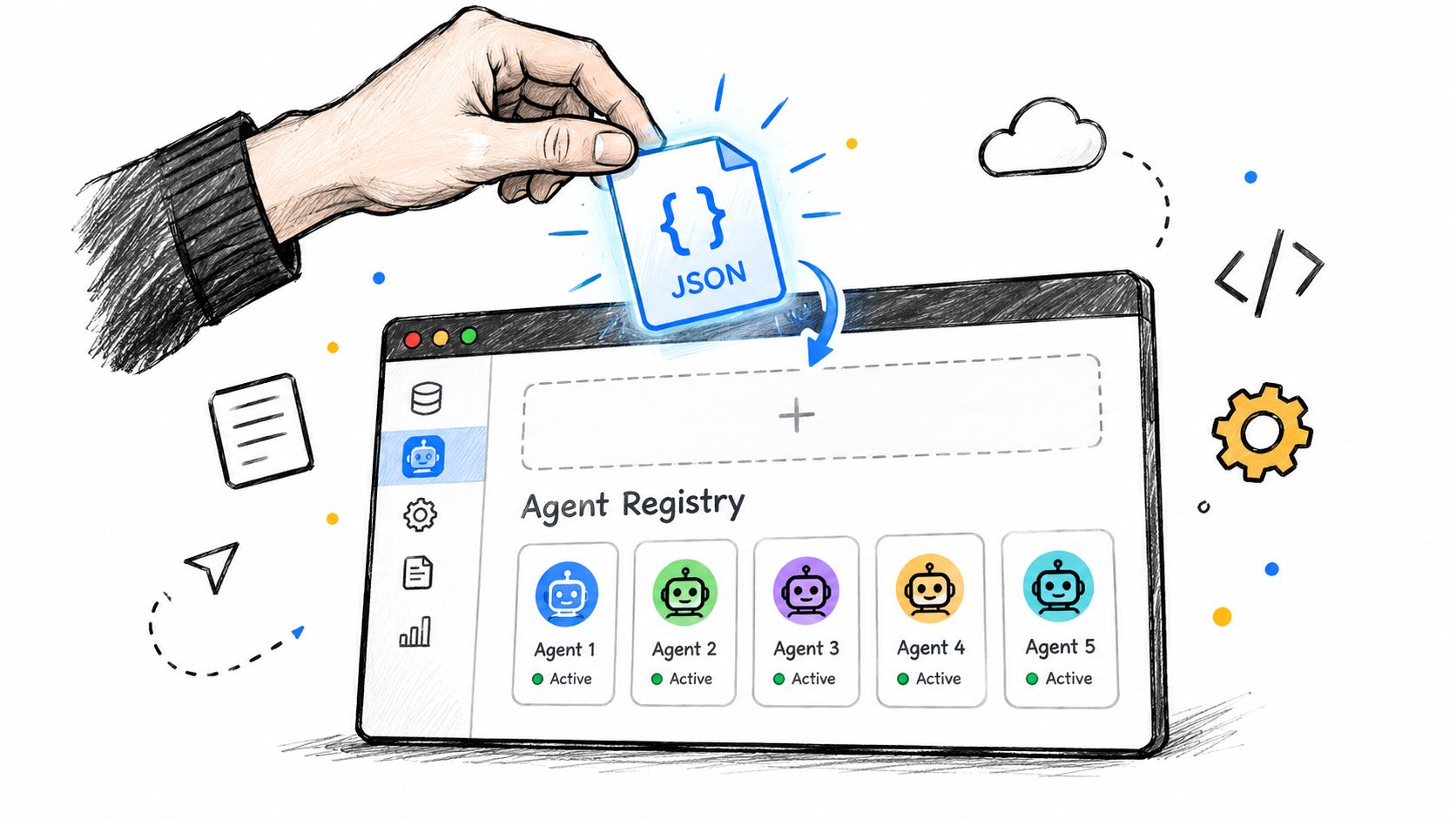
AuricIDE treats a new agent CLI as a tool to register. Under Settings → Agent, each CLI has one JSON provider config, which AuricIDE checks against its schema and registers at once.
Import, validate, register
An engineer imports a provider config. AuricIDE checks its schema. A valid CLI becomes available while the app keeps running. No restart is needed.
A malformed config affects one provider. When a config is malformed, AuricIDE skips the bad entry and reports it while all the other providers continue to load. One broken config does not take down the workspace.
A provider that half-loaded and still claimed to be ready would be worse: confidently wrong instead of just missing. The honest skip avoids that trap.
The change is like swapping batteries in a torch instead of rewiring the room. The current setup stays live while the new CLI appears. The Fleet view stays open.
The same import path also removes a provider. Teams can add or retire a CLI without extra setup.
Why Star Repositories Like Apps?
Starred repositories stay in fixed launch tiles. A recency list keeps changing. Fixed tiles help when work spans several repos and the engineer needs a project that was not touched most recently.
A tile is a handle, not a memory aid
Each starred repo keeps its place as a visible tile. The engineer can return to the same project without searching recent files or waiting for the right folder to rise in a list.
A right-click opens the skills used for that repo. The menu stays shorter than a global tool palette. A Rust service and a Python job rarely need the same command at the same time.
File recency does not control workspace access. An older active repo stays visible when newer work appears. That means less searching and fewer wrong clicks.
For a broader backdrop on the problem this solves, the earlier article on developer productivity tools covered the general category. The useful detail here is narrower. Starred repos make project switching cheap when one fleet spans several repos.
How Do Chains Hand Off the Terminal Tail?
A chain, called a combo in AuricIDE, runs skills in a fixed order. Each step starts with the previous step's terminal tail, so the engineer does not repeat the same prompt throughout the run.
The handoff is the useful part
Each step can use its own agent, model, and permission mode. For coordination patterns across several agents, see how multiple AI agents share context. The chain follows its set order. A failed step stops the run.
That stop makes unattended runs easier to trust. When a test step fails, the next step does not hide the failure by continuing. The Fleet badge reports that the chain needs help. A person can then step in.
The terminal tail keeps the unresolved part of the previous step and trims it to what the next step can use. It leaves full transcripts behind. Each handoff stays focused, and the sequence remains readable.
Shared Project State Across Agents
Shared project state gives every agent the same project record. It holds goals, tickets, requirements, test cases, dependencies, and history, so each agent can see what the previous one left behind.
One record, many readers
The record matters when a ticket changes hands. An agent picking up T-17 sees the same acceptance notes and constraints as the agent that filed it. The engineer does not have to paste that context again.
The shared record holds requirements, open work, and earlier decisions. Secrets stay out. Half-finished local branches stay out too. The rule is easy to apply, which helps teams keep that boundary intact.
A local project record suits work with frequent handoffs. Agents can reach it on the machine, and the team keeps one stable source of truth.
Keep the shared record available for coordination, use chains to pass useful context, and watch the Fleet badge for work that needs a person. To keep handoffs consistent, see agent context management across the fleet.