Developer Productivity Tools and Context Switching
Developer productivity tools focus on execution speed. The real cost is the time lost re-finding context after a switch, and pinned repositories address exactly
At 10:17, a developer leaves Client A's failing request and returns to Client B's half-finished feature. The code is unchanged. The work is not. Three terminal windows look alike, recent files offer another moving list, and the last agent run sits deep in terminal history, with no screen marking the exact stopping point. The developer is not coding slowly. The thread has vanished.
That cost sits outside the usual conversation about AI coding workflows. Faster output helps only after the right project, command, and unfinished decision are back in view.
Why Doesn't Faster Code Fix a Lost Thread?
Faster code cannot fix a lost thread. The delay happens before the next useful instruction can be given.
The tempting measure is raw speed. Suggestions arrive sooner. Builds finish sooner. Agents produce patches sooner. Those gains count when the task is clear. They count less when the workspace still has to be found. During a switch, the developer must first find the repo and identify the right terminal. Then comes inspecting its tail. Then comes the judgment call. Autocomplete cannot choose that place.
A randomized METR trial found that experienced developers working on mature codebases took about 19% longer with AI assistance, even though they expected a 24% speedup and later believed they had been 20% faster in the reported study coverage. The result does not establish a rule for every codebase. It does expose a measurement gap. Generation can look fast while review, prompting, waiting, and reorientation make the whole task slower.
The practical question is smaller. After switching projects, how much must the developer rebuild before one correct action becomes obvious?
How Do Starred Repositories Make a Project Findable?
Starred repositories make a project findable. Each gets a fixed, app-like tile, chosen by the developer.
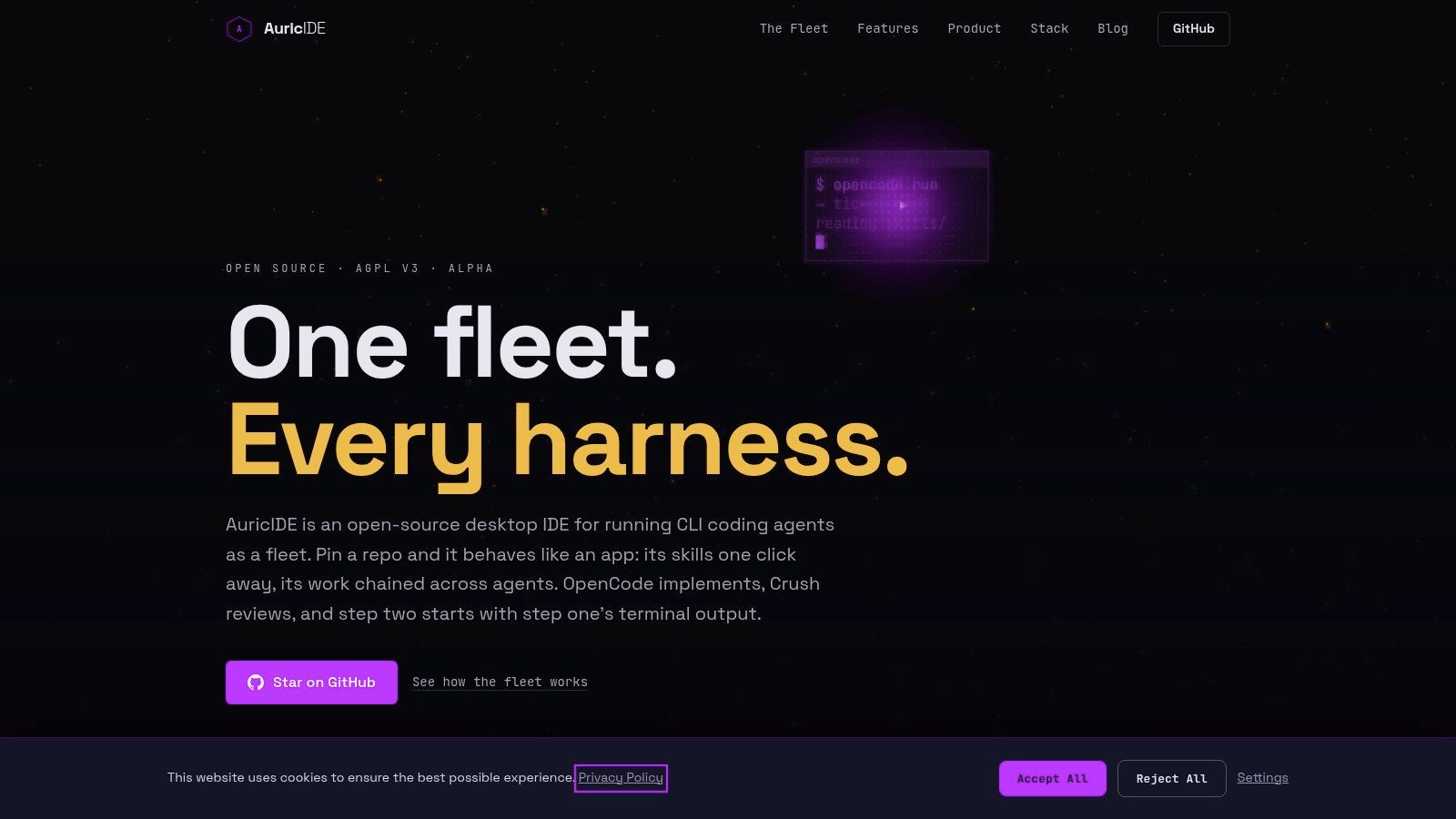
AuricIDE gives each starred repo a dedicated place. It gets its own icon or repo asset. The position does not depend on file-system recency. A project left untouched keeps its slot while other files open elsewhere. Returning begins with recognition. There is no fresh ranking to scan.
The interaction is brief:
- Find the familiar repo tile.
- Select it to open that project.
- Right-click it to see that project's frequently used skills.
That third step matters. The tile identifies the repo, while its context menu shows actions tied to it. A developer returning to Client B does not need to search a general command list before finding the right skill. Project and action share one visual anchor.
Nothing pins itself.
That detail separates intent from use. A recent-files list records what happened last, including accidental detours and one-off checks. A starred surface records which projects deserve a stable place. The developer makes that choice once, then sees the same map after later switches.
The gain is narrow. The feature does not accelerate an agent. It cuts part of the search before an agent can get the next instruction. Stable placement turns “Which repo was that?” into a visual choice with a remembered place.
What Happens After the Project Opens?
After the project opens, AuricIDE shows durable project facts and a bounded record of the last agent step.
The starred tile solves location. It cannot capture the requirement under discussion. Nor can it capture the ticket that owns the work, or the test that failed. AuricIDE stores goals, tickets, requirements, test cases, dependencies, and history in a SQLite file inside the repo. Agents access that project data over MCP.
MCP itself carries no state between calls: the official 2026-07-28 specification describes it as stateless, and the accompanying release replaced protocol-level sessions with plain request-and-response exchanges in the release announcement. That is exactly why the durable record has to live somewhere else: in AuricIDE's SQLite file, not in the protocol used to reach it.
This split gives each kind of state a clear job. The tile answers where. The project record answers what. Terminal output answers what just happened. None of those views can replace the others.
Skills also come from the project. AuricIDE scans the repo using its manifest, configured commandsDir or skillsDir convention, and the matching file extension. A developer who clones a project with committed skills needs no personal setup step before those skills can be discovered.
Agent handoffs use less material. A chain, or combo, takes the terminal tail from one step. It strips ANSI sequences, filters terminal chrome, removes duplicates, and caps the result at 2000 characters. The next step gets its own prompt plus that cleaned tail. Project data covers durable facts. The terminal tail contains immediate proof.
The boundary has consequences. A terminal line outside the retained tail will not reach the next step. That handoff has a firm edge. A missing requirement will not appear through guesswork. AuricIDE preserves selected state; it does not rebuild every thought that led to it. The developer still has to record decisions worth keeping.
What Does Manual Curation Cost?
Manual curation costs attention now so a key project can keep the same visible place through later switches between other tasks.
A repo must earn a tile. Starring a temporary checkout creates clutter. Leave an active client project unstarred, and it returns to search. The surface stays useful only when the developer removes stale choices and adds current ones.
That upkeep can be annoying. It may also be unnecessary. A developer working in one repo already knows where the work is. A fixed project map adds little there. Several active repos create the case for it because similar terminals and shifting recent-file lists stop being enough.
The design also rejects automatic guessing. AuricIDE does not decide that repeated access means commitment. Recent use can reflect a quick review, a dependency check, or a mistaken click. Manual starring asks for an explicit choice. It keeps that choice until the developer changes it.
The claim here is about behavior: a chosen tile retains its slot, independent of file-system recency. Whether that saved search justifies the upkeep depends on the shape of the work.
A fixed map has a maintenance bill.
What Should Developer Productivity Tools Remember?
Developer productivity tools should remember chosen workspace state that a person would otherwise need to rebuild after every switch.
A 2014 study of developer productivity treated completion and flow as meaningful signals rather than reducing work to output alone as documented by Microsoft Research. That principle still applies when an agent produces the patch. Fast code does not restore the repo, the pending command, or the unresolved choice.
The useful test fits any toolchain. Leave a project in the middle of a real task. Open something else. Then return. Does the tool present the chosen project and its own actions, or does it offer clues based on recent use?
Starred repositories provide one concrete answer. Keep key projects in fixed places. Put project-specific actions beside them. Store durable facts separately from short-lived terminal evidence. Bound automated handoffs so the next step gets useful output rather than a transcript.
The same distinction applies beyond AuricIDE. Recency answers what happened last. Chosen state answers what still matters. A productive workspace needs the second answer. Yesterday's unfinished decision is today's first task.