Background Agents in AuricIDE: How They Start and Return
How background agents actually start, finish, and report back in AuricIDE, including headless runs, schedules, and the inbox path.
Can it run with the editor closed? Who tells you when it finishes? Can it start on its own, or does someone still need to press a button?
Those three questions sit behind every background agents feature, and most descriptions only answer the first one. Launching work is easy to show, but the harder part is the return path, the small signal that reaches a person who has already stopped watching the terminal. That signal decides whether an unattended run was worth starting.
Is starting an agent the hard part?
No. Starting takes one checkbox or one schedule. The hard part is that somebody has to notice the result.
The obvious explanation is that a background agent is a scheduling feature. Pick a time, pick an action, walk away. That covers the start and stops there. A run can begin cleanly and still be useless, because nobody learns that it ended and the output is a log nobody knows to read. A finished process also looks exactly like one that is still thinking, so the person ends up as scheduler, status monitor and recovery system in one. The schedule solved the start. It never solved the telling.
So the claim here is simple: a tool that only solves the start leaves you polling terminals. This fits the idea behind local AI agents, where the work stays on your own machine and the status signal gives the mechanics their meaning.
In AuricIDE, "background" means unattended, not independent of the app. Agents run as local processes while the application is open. Closing the app ends them. A background run is still an ordinary row in the Agents panel, and its terminal opens from there like any other. What changes is who has to keep watching.
How does a finished run find you?
Through the inbox. The Headless Mode checkbox in the Start agent dialog is off by default. The dialog describes it in one line: "Runs unattended, exits when done, notifies you."
When a headless agent ends, an inbox entry appears with the agent's name and the word "finished". It carries a short summary taken from the last lines of the agent's output and an Open logs button, so you land in the recorded terminal instead of searching through sessions. An ordinary agent that finishes sends nothing. Silence is the default.
Failure is louder. It applies to every agent, headless or not. You get a toast and an inbox entry with the agent's name and "failed", again with Open logs.
"Finished" has a narrow meaning. It says the process ended, not that the change is correct, reviewed or safe to merge. The summary samples only the tail of the output, and nothing says the task was well defined in the first place. The inbox reports. It does not approve. A short ending summary points toward the right logs, but it cannot stand in for a clear task, which is why agent context management matters just as much as the notification does.
When does a schedule start an agent without a click?
When you pick "Start by itself", and not before. The default reads "Offered as a button. Nothing runs without your click."
A schedule can offer a reminder, a skill, a skill combo, the Conductor or a custom agent. With "Start by itself", a skill or custom agent starts in the background with no click and no project switch. That choice is separate from the Headless checkbox next to it. Starting by itself controls the launch. Headless controls whether a finish creates an inbox entry, so a scheduled run only pings you when it ends if Headless is ticked too.
Schedules you wrote yourself can start things. A schedule created by an agent through the MCP server sets a reminder and nothing more.
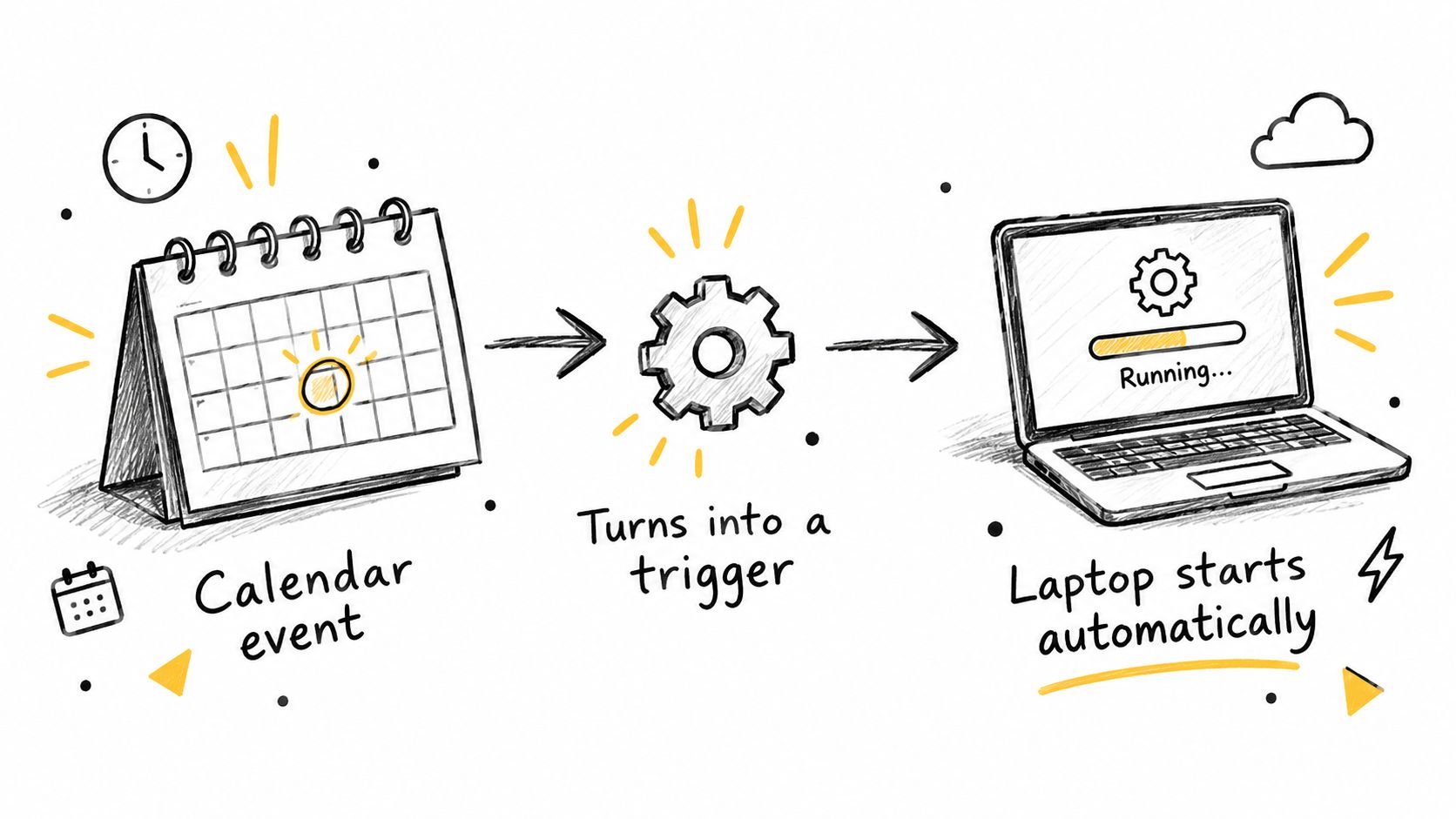
Even automatic starts have guards:
- App open: schedules only fire while AuricIDE runs.
- Conductor: an automatic start waits until no Conductor or agent is running.
- Project switch: a scheduled run that needs another project waits for no unsaved tabs and ten minutes without activity.
- Late occurrences: a run more than fifteen minutes overdue stays a button.
The button is the safe default. A laptop may wake late. An editor may hold unsaved work. Another agent may already be running. In each case the occurrence stays visible, and a person decides whether the workspace is ready, so a scheduled job cannot take over a busy project.
What does this design give up?
AuricIDE gives up always-on continuity. Nothing runs while the app is closed. That is the deal. Agents that were running at shutdown come back after a restart under INTERRUPTED, with Resume and Dismiss buttons. The app owns the child processes, so the boundary is easy to see, and the price is missed automation whenever the desktop session is not there. The fifteen-minute rule is the same trade in small. It stops a laptop that wakes from a long sleep from launching a late burst of jobs. A time-sensitive run may then wait for a person.
The quietest trade-off is about waiting. Needs input and Stalled do not create an inbox entry. They show up on the attention chip, in the window title count and on the dock badge, so someone who only reads the inbox can miss an agent that is waiting for a decision. A headless run also counts as stalled only after 45 minutes from launch, against two minutes of silence for a normal agent, because a headless CLI can stay quiet until it is done.
Each choice favours a bounded desktop workflow over an always-on service. That is annoying when a run misses its window. It is also easy to reason about, because execution, status and recovery all sit in one application.
What does a background agent still need from you?
It needs a precise hand-back rule. The task or schedule description should say what outcome can be checked, what counts as success, and when the agent must stop for a person.

A vague instruction produces a vague inbox summary. A specific one gives the finished entry a meaning that survives the gap between starting the work and reading the result:
- Goal: state the change or investigation in terms that can be checked.
- Verification: name the command, diff or test that supports completion.
- Escalation: say when the agent should stop for input instead of pushing on.
The last point matters most. Waiting is not finishing. A task that needs a decision should end up waiting where the badge can show it, not report a misleading completion. AuricIDE also exposes project state through an MCP server for AI, but shared state does not define the expected result. The person still decides what the agent should change and how it should check the work.
The lesson holds in any tool. An unattended process needs a reliable way to reach its operator after it runs, not only a reliable way to begin. The start can be a checkbox or a schedule, and the return has to say what happened and what deserves attention next.
Once the operator stops watching the run, where does the next signal show up?