MCP Project Management: How Agents Take One Ticket
Learn how MCP project management lets AI agents take one ticket from a shared backlog without double claims, and what that design costs.
When agents and people share one backlog, three questions arise before anyone changes a file: What stops two agents from taking the same ticket? What counts as blocked? Who decides what comes next? The first question is easy to miss when both agents can see the same board.
What Stops Two Agents From Taking the Same Ticket?
A shared view tells agents what they can read, but it cannot stop them from taking the same ticket. In mcp project management, board access settles the reading; ownership needs a step that changes the project record.
Picture two agents starting in the same project. Each reads the backlog through MCP and finds an open ticket with no unfinished dependencies. Both begin work before either records a choice, even though neither misread the board and the ticket passed the readiness check. The problem is ownership.
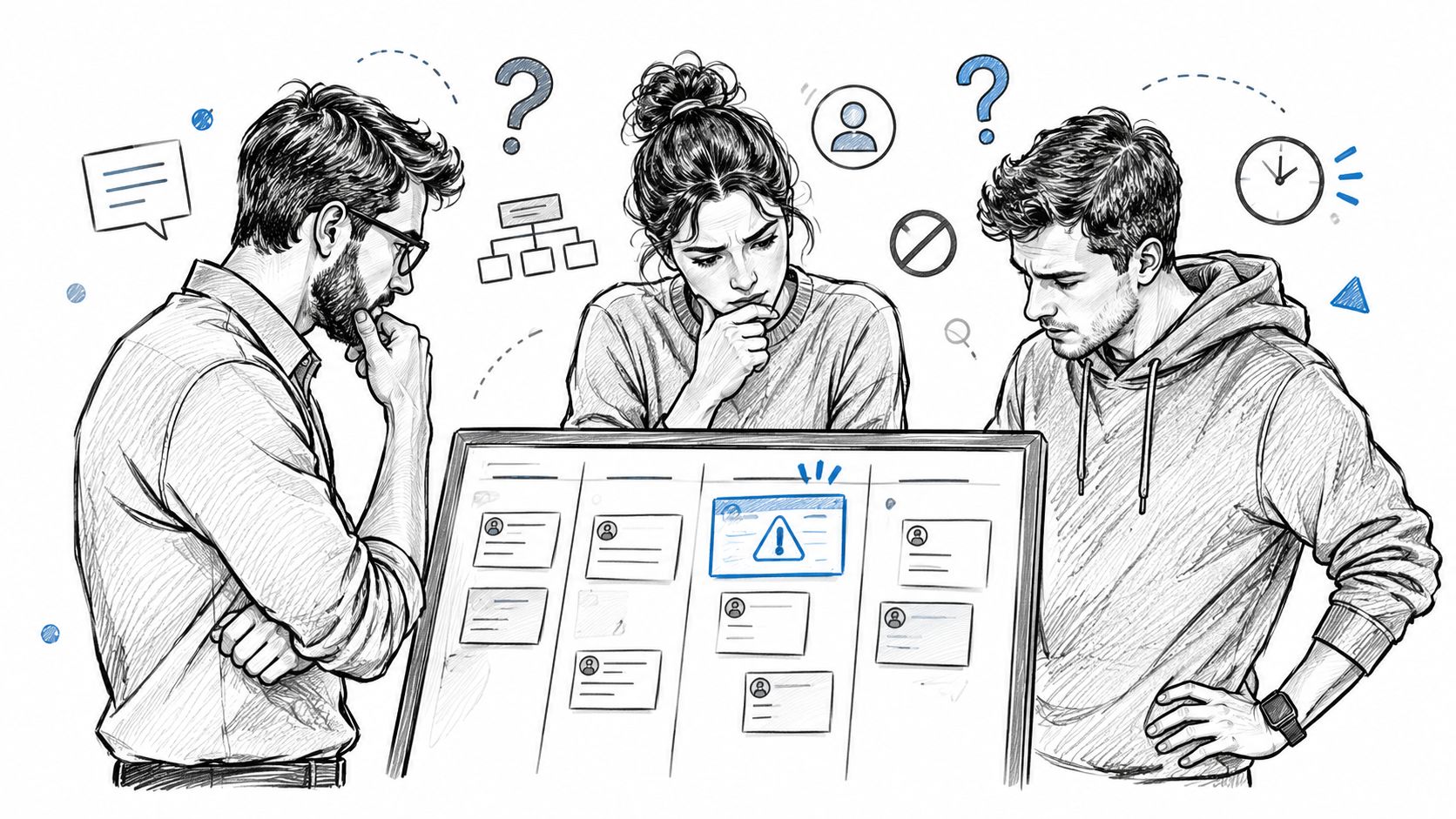
The agent control plane needs a rule for taking work beyond showing which agents are running. That rule has to sit where the project record changes: if an agent selects first and marks later, the record can lag behind work that has already started.
Why Is a Taken Label Not Enough?
A taken label makes intent visible to anyone reviewing the board, but the agent writes it after deciding. It reads an open ticket, decides to take it, writes a label or comment, then begins; another agent can make the same choice between that read and write. Both follow the convention. They still collide.
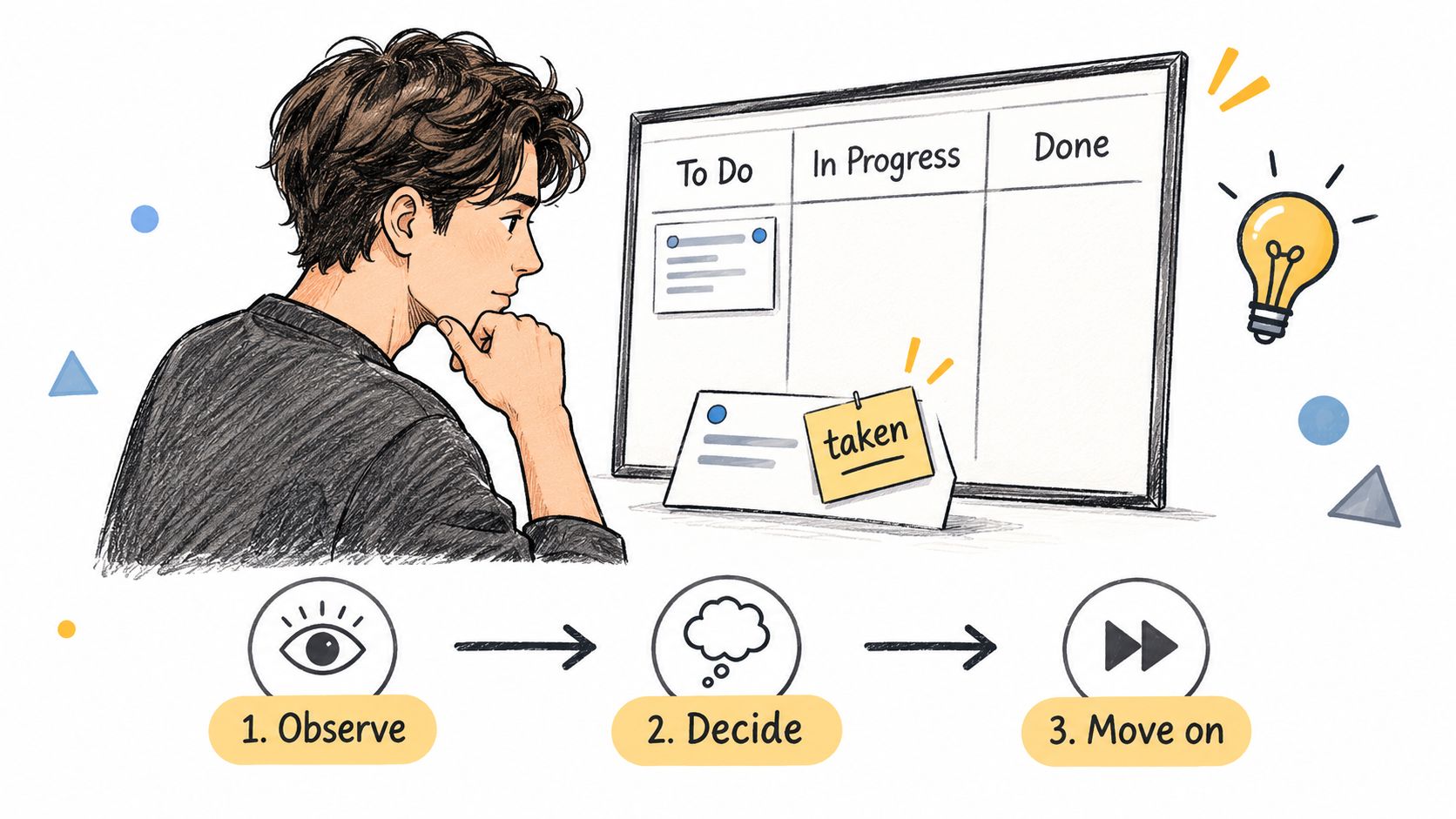
The label records the decision. It cannot govern a choice already made. The safer design joins selection and claiming in one operation: the call that hands out a ticket also marks it taken, leaving no second step to forget.
How Does fetch_next_unblocked_task Pick the Next Ticket?
fetch_next_unblocked_task takes no parameters. It picks an eligible open ticket from the recorded backlog, sets it to in_progress and returns it. The agent supplies no ticket ID and picks from no list. Its preference never enters.
Selection rules for fetch_next_unblocked_task
| Rule | What the tool does |
|---|---|
| Candidate set | Considers open tickets with no unfinished dependencies |
| Goal check | Skips a ticket whose goal is blocked, including a block inherited from a parent goal |
| Supervision check | Skips tickets flagged as needing human supervision |
| Ordering | Takes the highest priority first: critical, high, normal, low |
| Claim | Sets the chosen ticket to in_progress and returns it |
| Transaction | The pick and the status change happen in one database transaction |
| History | Records the change in the ticket's status history with the source mcp |
| Empty result | Returns null when no eligible ticket remains |
Take three open tickets. One is critical but waits on an unfinished dependency. One is high priority and flagged for supervision. One is normal priority with nothing in its way. The call returns the normal ticket already marked in_progress. The other two stay open because the first needs its prerequisite and the second is reserved for a person. People set priority, dependencies and the supervision flag before the call, and recorded order breaks a tie between eligible tickets with the same priority. The tool trusts those fields. A dependency says work is not ready; the supervision flag says it is ready but reserved for a person, even if an agent is willing to attempt it.
The shared backlog workflow depends on those project fields rather than instructions copied into each agent's prompt. A prompt saying “leave this one alone” does not change eligibility. The flag does. The app's board and the MCP server read the same project database, while status history shows whether a claim came from mcp or a manual edit.
Null means no eligible work. An agent should stop and report that result instead of treating it as a failed request and calling again. Null does not mean done. Blocked tickets or work held for a person may remain, and neither gives the agent permission to choose around the tool.
Is the Next Ticket the Best Fit for the Agent?
No. Fit sits outside the call. Selection uses the priorities and dependencies people entered, so a critical eligible ticket goes to whichever agent calls first.
That narrow scope makes a pick easy to inspect. An operator can explain it from backlog fields alone, without working out how an agent judged its abilities, and a disputed pick traces to a field someone can edit. But an answer to “what is next” says nothing about who should take it; a project that assigns by skill has to make that choice elsewhere.
The entered plan has limits too. If nobody records a prerequisite, the tool can return its ticket before that work is finished because it does not audit the plan. Stale priorities have the same effect: a ticket marked critical during an urgent week keeps first pick after the urgency passes. The claim is valid. The choice is wrong.
What Should You Keep When the Tool Changes?
Keep the rule that selecting a ticket also marks it taken, in the same step. Every shared backlog needs that step, whatever tool provides it: if reading and marking become separate writes again, two agents can choose the same work in the gap. To test a replacement, set priorities, enter known dependencies and mark work needing supervision, then run the three-ticket case and check three things:
- Selection and ownership. Call the selection tool and confirm the status changed in the same action, not in a second write.
- Empty results. Run the agent against a board with no eligible work. It should stop and report that state rather than invent a fallback.
- Status history. After trial runs, check that each status change carries a source, so MCP claims can be told apart from human edits.
One run shows whether the tool applies the recorded rules. Two agents asking at the same moment need a separate test.
AuricIDE is in alpha and licensed under AGPL v3. It offers a desktop workspace for local CLI agents with an MCP-backed shared backlog. Visit AuricIDE to try the ticket-claim workflow in a small repository and check the supervision boundary before expanding its use.