Best AI Coding Tools: Building a Full Stack
The search for the best AI coding tools assumes one leaderboard. Runtime, agent, and orchestration are different jobs requiring a layered stack.
Best AI Coding Tools: Which Part of the Stack Is Missing?
A developer installs the top result from a “best AI coding tools” search before a release window. The editor opens. A prompt reads the repository. A patch appears. Then a second tool gets nothing useful from that session. No task state arrives. The next prompt starts from scratch, though the first tool already found the relevant files and ran half the checks. Installation worked. The workflow did not.
Why does the top search result fail to chain tools?
The result fails because it solves one job while the developer expects a complete coding workflow.
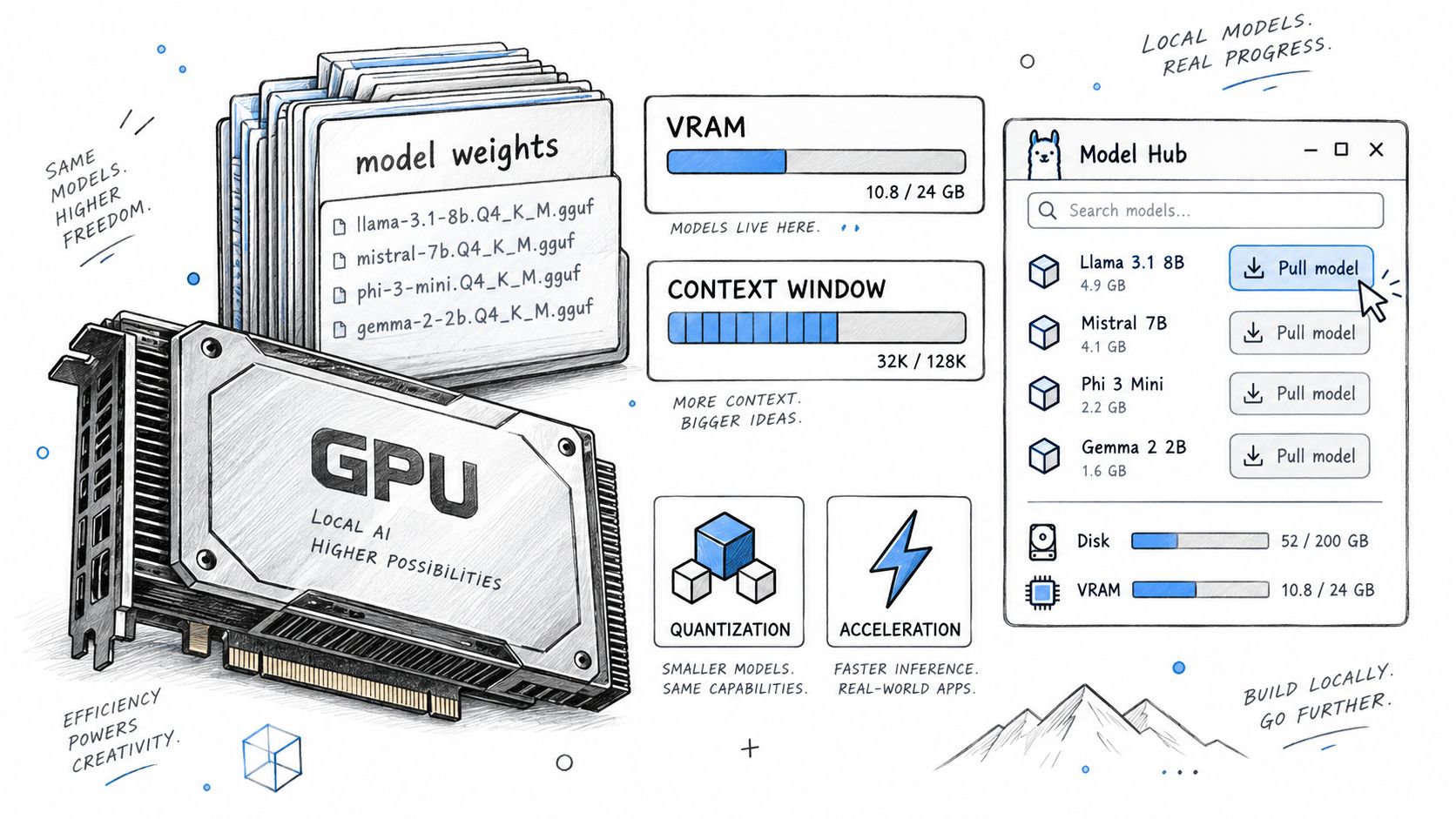
The phrase “AI coding tool” hides several layers. A runtime serves tokens. A model interface helps select models. A CLI agent reads files, changes code, and runs commands. A protocol gives that agent access to tools and project data. Orchestration starts agents, tracks state, and hands work forward. Those jobs connect, but they are not interchangeable.
| Layer | Job | Evaluation focus |
|---|---|---|
| Model runtime | Loads and serves model weights | Hardware use, context limits, API compatibility |
| Model interface | Helps discover and manage available models | Visibility, memory controls, model access |
| CLI coding agent | Reads code, edits files, runs commands | Context retention, patch quality, verification |
| Protocol | Connects agents with tools and project data | Tool access, permissions, state exchange |
| Orchestration | Coordinates agents and preserves workflow state | Handoffs, process status, persistence |
A runtime can serve a model without reading a repository. An agent can edit files without tracking another agent. A protocol can expose data without deciding which process runs next. Each part may work as designed while the sequence still breaks.
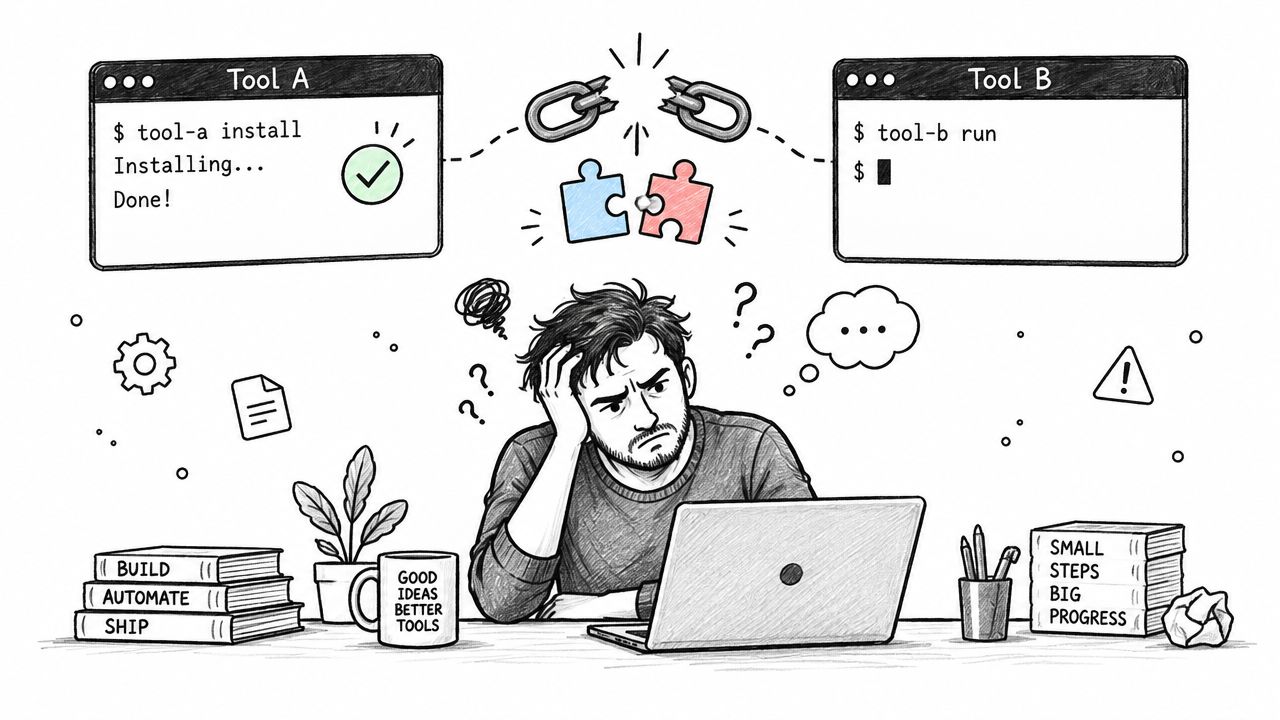
Naming the missing layer, and testing it inside the actual workflow instead of guessing from a headline, is what fixes the chain.
Start with the missing job.
What belongs at each layer?
Each layer should be judged by the work it performs, not by a single cross-category ranking.
Ollama, llama.cpp, Hugging Face, and LM Studio help serve, obtain, or manage models. Their evaluation starts with hardware fit, supported formats, context limits, and API compatibility. They need not behave like repository workers.
A model interface adds discovery and control. It may help select, download, or monitor a model. Repository inspection still needs an agent.
Guidance on connecting external tools through the protocol layer appears in this MCP server integration guide.
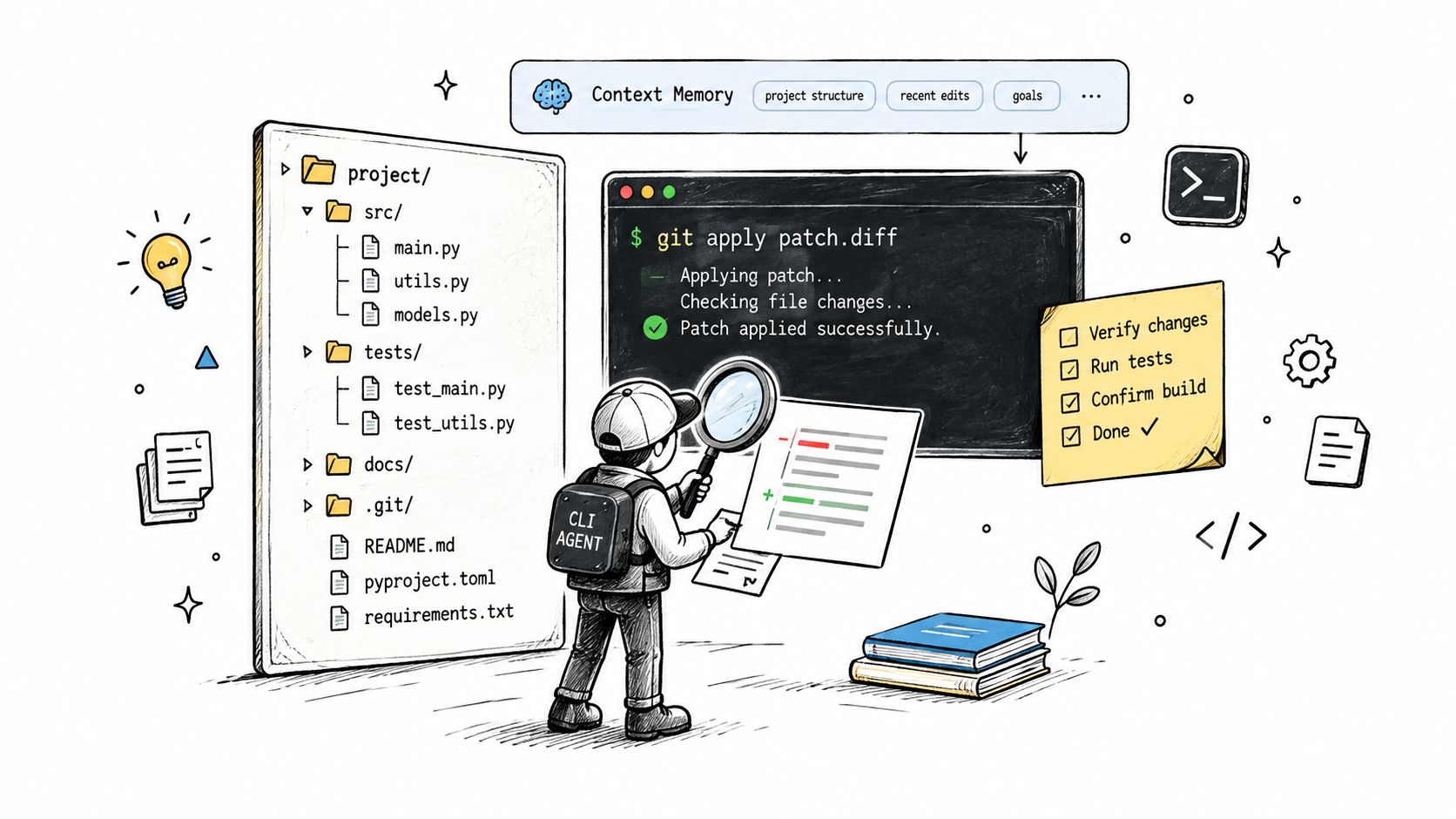
OpenCode, Aider, Crush, Claude Code, Codex, Gemini, and Grok are CLI coding agents. Give each agent the same real repository task, then inspect the path from prompt to verified change. A useful task crosses a real boundary, such as a shared type, one caller, and its test. Check whether the agent finds those parts. Check the patch. Read the command output. Confirm whether the reported result matches the working tree.
Context matters because a plausible patch can miss an earlier constraint. A 2026 market report found that 62% of developers named project-context loss as the biggest problem, according to AI coding tools market data. The number does not choose an agent. It identifies a test worth running.
Look for invented imports. Check unrelated files. Confirm that tests finished before success was declared. Keep the transcript available for review. A clean patch with weak evidence still leaves doubt.
That check matters more as use grows. Stack Overflow's 2025 Developer Survey adoption summary reported that 84% of developers use or plan to use AI tools, while developer trust in output accuracy was 29%. High use and low trust point the same way: verify before merging, not after.
A coding agent is a worker. It still needs a route to project state and a way to report back.
The AI agent integration guide frames that connection at the application level. With several agents, process state and handoffs become separate product concerns.
How does AuricIDE turn separate agents into a fleet?
AuricIDE gives each CLI agent a local process, a visible fleet position, and explicit handoffs between ordered steps.
Adding an agent starts in Settings, then Agent. Select “Import Provider…” and choose one JSON configuration. The file names the provider id, display name, executable, arguments, provider information, version check, and prompt template. AuricIDE validates and registers it at runtime. No recompile is required. There is no plugin API.
Starting work creates a local PTY child process for that CLI. Its terminal remains available. Output appears as the process runs. Success or failure comes from the process exit status, never a raw numeric exit code. Each agent has its own process, so one crash does not take every agent down with it.
The fleet view groups agents by repository. It sorts those needing action. Errors come first. Prompts blocked on input follow. Stalled processes come last. A blocked card accepts a reply. A stalled card can receive a newline. Opening every terminal is unnecessary.
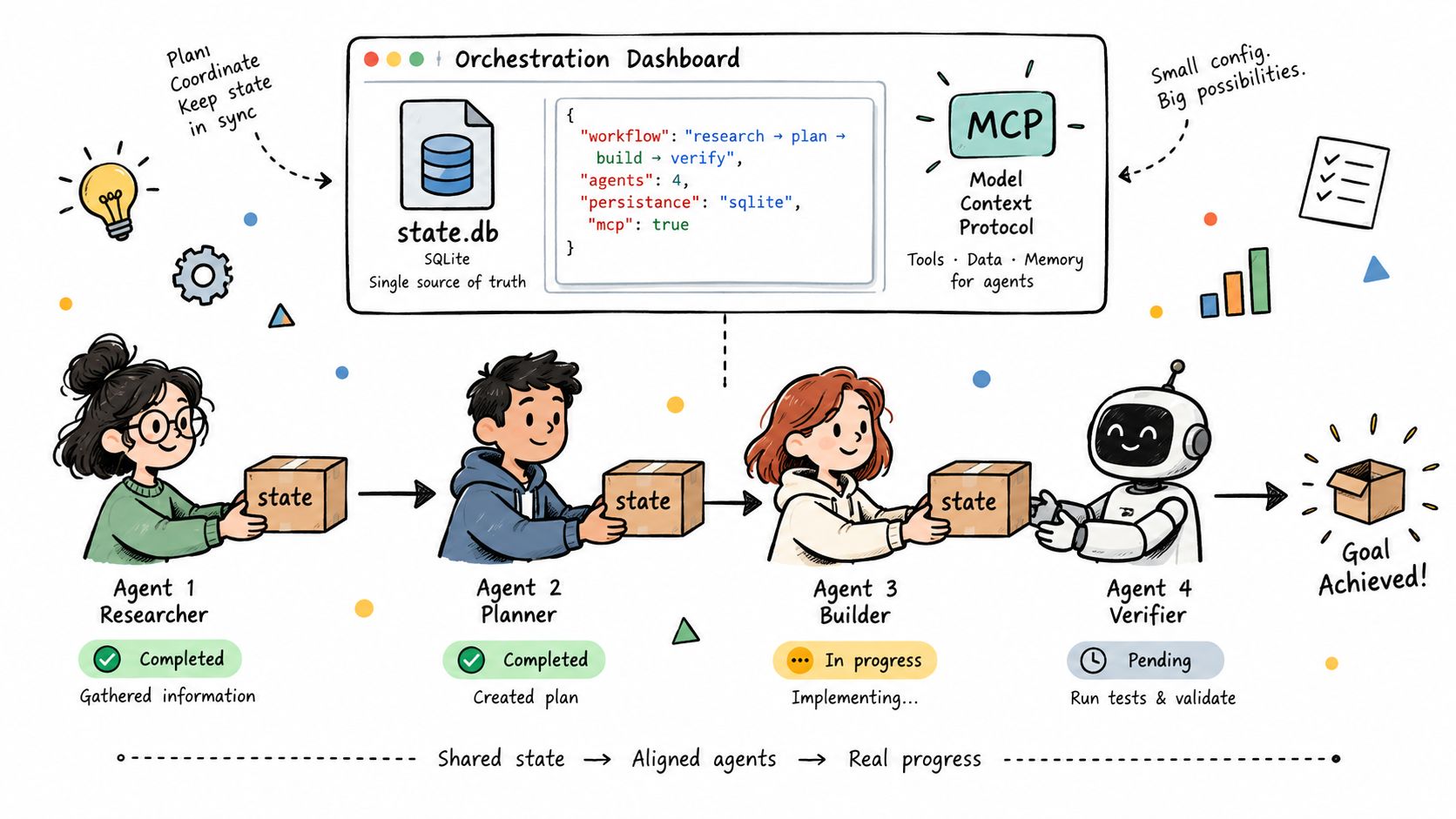
Chains handle ordered work. AuricIDE calls a saved chain a combo. Each step combines a prompt with a provider, model, and permission mode. When one step ends, the next gets its own prompt plus the prior terminal tail. That tail is cleaned first. ANSI sequences disappear. Terminal chrome is filtered. Repeated content is deduplicated. The handoff stops at 2000 characters. It keeps recent state without pretending the transcript is a full record.
Project data takes another route. Goals, tickets, requirements, test cases, dependencies, and history sit in .auric/project.db inside the project folder. A .gitignore file inside .auric excludes that local data from git. A clone therefore brings no AuricIDE work record with it. Agents receive the database path and access project data through MCP. There is no listening socket; the local MCP child process uses standard input and output.
Model Context Protocol, or MCP, is an open standard for connecting AI agents to tools. Anthropic describes MCP as a way for Claude for Work customers to test local servers that connect Claude with internal systems and datasets, as explained in its Model Context Protocol announcement. MCP defines the access route. AuricIDE decides which CLI runs and what the next step receives.
SQLite provides local structured persistence without an external database server, as described in Tauri SQLite integration guidance.
What does this design cost?
This design costs setup at every boundary, plus local ownership of the configuration, project data, and failures those connections create.
A provider JSON must match the CLI. The runtime must expose an interface that the chosen agent supports. MCP tools need the correct database. A broken handoff can come from the process, arguments, permissions, or terminal tail. Diagnosis has more places to inspect.
The 2000-character tail is incomplete. It can omit an early decision. It can retain misleading terminal text. The next agent must inspect the working tree before trusting it. Structured project facts belong in MCP-backed records, not in that tail.
Local state creates another limit. Since .auric is ignored by git, cloning the repository does not copy goals, tickets, or handoff history. Moving work between machines requires a separate transfer decision. That is annoying when the work record should follow the code.
Separate processes preserve separate agent behavior. AuricIDE does not normalize every CLI into one conversation model. It starts the configured command, shows its terminal, records status, and passes a bounded tail forward.
That refusal to normalize is itself part of the cost: understanding one CLI's quirks teaches little about the next one. The AI agent orchestration framework guide covers how AuricIDE handles that variation at the fleet level.
Which layer does a best-tools list actually rank?
A best-tools list ranks one layer, even when its headline suggests a complete stack.
Judge a runtime on model serving, hardware use, context limits, and interface compatibility. Judge a CLI agent on repository context, patch quality, command evidence, and verification. Judge a protocol on access and permissions. Judge orchestration on process visibility, project facts, handoff limits, and failure recovery.
The sequence matters more than the label. Pick the missing job. Test it inside the intended workflow. Keep boundaries visible. A successful prompt proves little about the second process, while an explicit handoff reveals what the next agent receives and must rediscover.
That lesson survives any product choice: evaluate the connection between layers with the same care given to each tool inside them.