Open Source Developer Tools You Can Actually Verify
Open source developer tools are verification tools, not promises. Learn three checkable answers in AuricIDE's source before you let agents run.
The launch button is ready. The project is real. Then three questions arrive: does this app open a port, where does it write, and what could end up in git?
The answers matter before the first prompt. An agent runner starts programs, passes code and instructions, and records work against a project that already matters. A settings page can name permissions. It cannot show every process boundary.
For agent orchestration, inspectable boundaries matter more than an open-source label.
What should be checked before the first launch?
Check the network surface, the write path, and the git boundary before an agent receives access to the project.
A page about AI agent access control might cover permissions in broad terms, but it still doesn't answer the minute-by-minute question of what the app will do on this machine. Those three checks do. A listener creates a place where network traffic can arrive. A write path shows which local files will change. An ignore rule shows whether an accidental git add . can include the tool's work record.
The word “local” settles none of this. A local app may still start a listener. An open repository may still hide an unexpected write behind several layers of code. The useful evidence is dull: a child process, a path, and a file containing one ignore rule.
Open source makes that evidence available. It does not certify the result. The code still needs a narrow question, because reading an entire desktop application before launch is not a workable trust model. Here, the audit can stay small enough to finish.
The license is a separate question from behavior. The GNU AGPL v3 license text says that if someone modifies the program and lets users interact with that modified version over a network, those users must be offered the Corresponding Source for the version they're using. That obligation concerns source sharing for a modified network service. It does not decide where a desktop app stores prompts, logs, or project state.
What happens when AuricIDE opens a project and starts an agent?
AuricIDE creates local project state, loads the selected CLI provider, and connects its project manager through a child process on stdio.
Agent setup is visible from the app. Under Settings -> Agent, a provider can be imported from one JSON file. AuricIDE validates the file and registers the provider at once. No restart is needed for that import path. The provider then appears as a choice for launches. Its config names the CLI executable, arguments, models, permission modes, and prompt template, so the launch target fits in one readable file.
There is a second loading path. A JSON file placed straight into the provider directory is read at the next start. If one file cannot be parsed, AuricIDE skips it and reports the failure on stderr; the other provider files still load. That distinction matters. Importing through Settings takes effect now. Copying a file into the directory does not.
The terms can sound denser than the behavior. A harness is the general industry term for a wrapper around an agent CLI. A dynamic provider is AuricIDE’s JSON mechanism for loading such a CLI. AuricIDE is the meta-harness: it coordinates several harnessed CLIs from one desktop workspace.
The project-management connection is narrower. AuricIDE starts auric-pm as a child process and communicates over standard input and output. No port. No socket. No listener. No daemon. No auth layer. No health endpoint. There is no network surface here to authenticate.
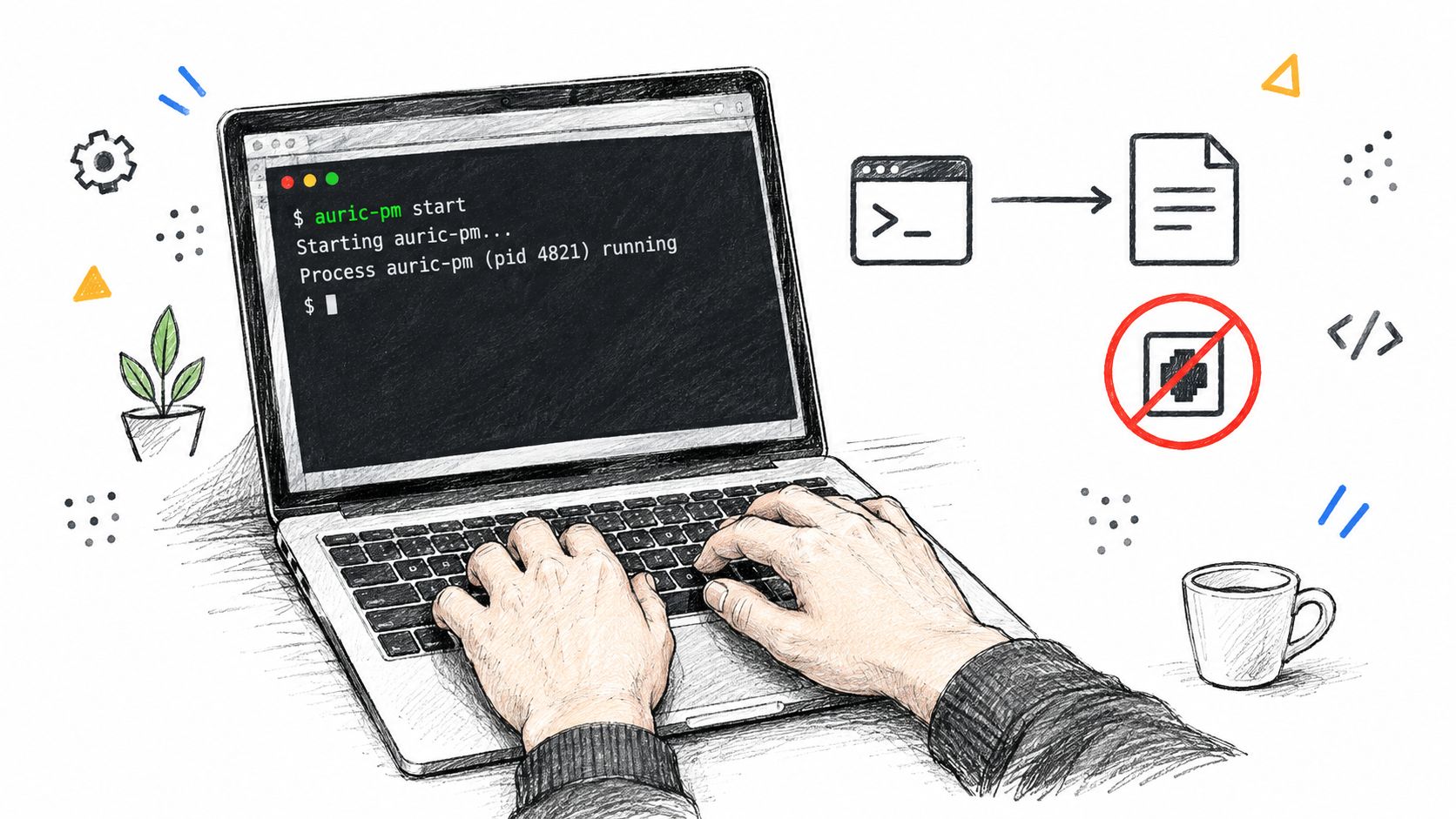
MCP is an open standard for connecting assistants to tools and data through a shared interface, and the word "server" in that standard does not force a network service. The MCP specification lists stdio as one of its standard transports, and in this case stdout carries the protocol while nothing listens on a network.
The project directory holds the state. AuricIDE creates <project>/.auric/project.db, a SQLite file for project data. On first creating .auric, it also creates .auric/.gitignore. That file contains *. Git therefore ignores the whole folder by default. The database stays on that machine unless another system copies it. A clone brings no goals, tickets, requirements, test cases, dependencies, or work history from this database.
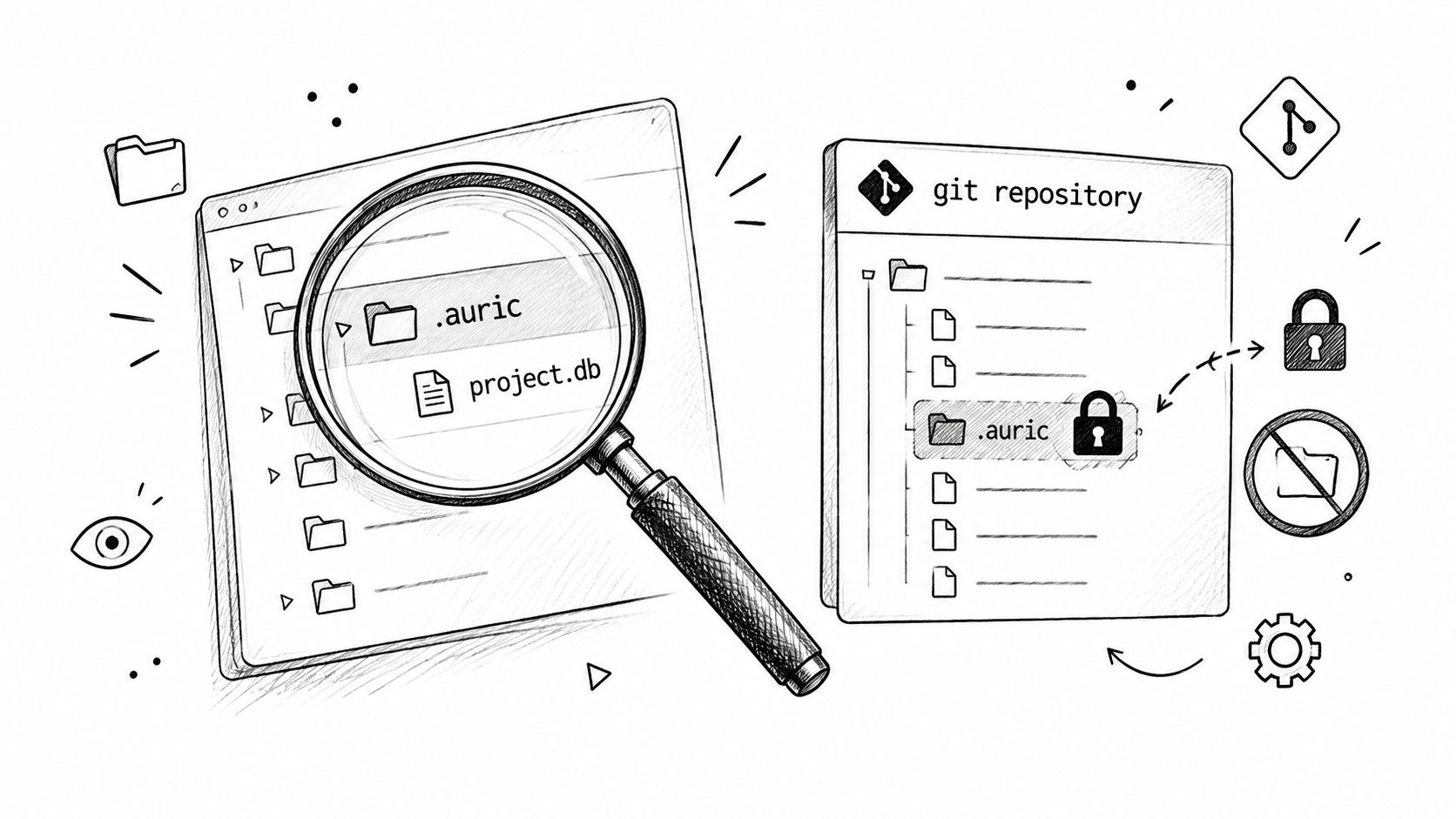
The nearby agent context management article covers how context gets passed between steps, but before any of that matters, the storage path and provider file tell you what the tool keeps and what it starts.
If you want a nearby explainer on MCP wiring, the MCP server setup guide gives the surrounding context, but the verification step is simpler than the concept. The app’s MCP settings can initialize <project>/.mcp.json. AuricIDE merges the auric-pm entry with existing servers and keeps unknown top-level keys. It never replaces the whole file. If the existing file contains invalid JSON, the app refuses the update instead of clobbering it.
What does this design cost?
This design gives up automatic sharing and some write concurrency in exchange for boundaries that can be inspected on one machine.
The first cost appears after a clone. Since .auric is ignored, git does not carry the project record to another computer or teammate. That protects the default commit boundary. It also means continuity needs a separate, deliberate transfer. For a small project, that may be fine. For work split across machines, it can be annoying.
SQLite sets another limit. SQLite allows one writer at a time, and that rule sets the ceiling for write concurrency. AuricIDE can run several agent processes, but the database still has one writer. The scaling constraint is database write coordination, not networking or CPU. Adding agents does not turn the local store into a distributed system, and bursts of state updates must pass through that one write boundary.
Source access also costs attention. Verifying a process spawn or file write takes time and enough skill to read the relevant code. Public code can be tangled. Defaults can still be poor. The license does not solve either problem.
Which checks still matter in another tool?
The same three checks still matter: inspect the network surface, find every project write, and read the version-control exclusions.
Start with the process boundary. Does the tool spawn a child on stdio, bind a local port, or call a remote service? Each answer creates a different review, with different failure paths, different evidence, and a different decision about whether launch is acceptable. Then locate durable state. Name the file, not the feature. Finally, inspect ignore rules and staged changes before the first commit.
These checks stay useful because each can fail. “Local” can include a listener. “Project memory” can mean a hidden database. “Ignored by default” can be undone by a changed rule. The labels compress those facts and hide the parts that deserve review.
Keep the audit narrow. Ports answer exposure. Paths answer persistence. Ignore rules answer commit risk. Provider files answer which executable will run. A license answers legal duties. None can stand in for another, and all can be checked without adopting AuricIDE.
AuricIDE is an open-source desktop IDE for running CLI coding agents as a fleet. It uses local execution, JSON-based dynamic providers, and a git-ignored SQLite file inside the project directory.