MCP Server List 2026: 8 Decisions Behind Shared State
An MCP server list that explains each design trade-off: shared project state, agent exit status, local SQLite storage, and chain handover in AuricIDE.
Tuesday morning, a cloned repository opens on a second laptop, the agent panel is idle, and the backlog never appears. The obvious explanation is that tickets should sync the way code syncs, but that breaks on the file that holds the record. The backlog belongs to the SQLite file in the repository, so where that file lives is the decision that matters.
One Shared Backlog, Not Synchronized Copies
AuricIDE keeps one shared backlog in the repository's SQLite file, so two machines do not drift through separate copies of the same work. The common mistake is to treat the backlog like a note that can copy itself across laptops. It can't. A write on one machine changes the shared record, and a stale copy on the other side becomes an argument about truth.

That is why the mcp server list question matters here. AuricIDE exposes goals, tickets, requirements, test cases, dependencies, and history over MCP, but the shared record still lives in one file inside the repo. Project management for developers only works when the list and the file point to the same place.
Practical rule: decide whether the record is local before the first agent writes to it.
A team can fake sync for a while. Then one side edits a requirement, the other side keeps reading yesterday's backlog, and both sides look reasonable until the merge of human intent fails.
Project Data Available Over MCP
The MCP surface reads and writes the same rows the desktop uses, so agents and the UI stop arguing about which backlog is current. That matters because the record is not a side channel. It is the project state itself. Goals, tickets, requirements, test cases, dependencies, and history sit in the repository-local SQLite file and are exposed through MCP for shared access.
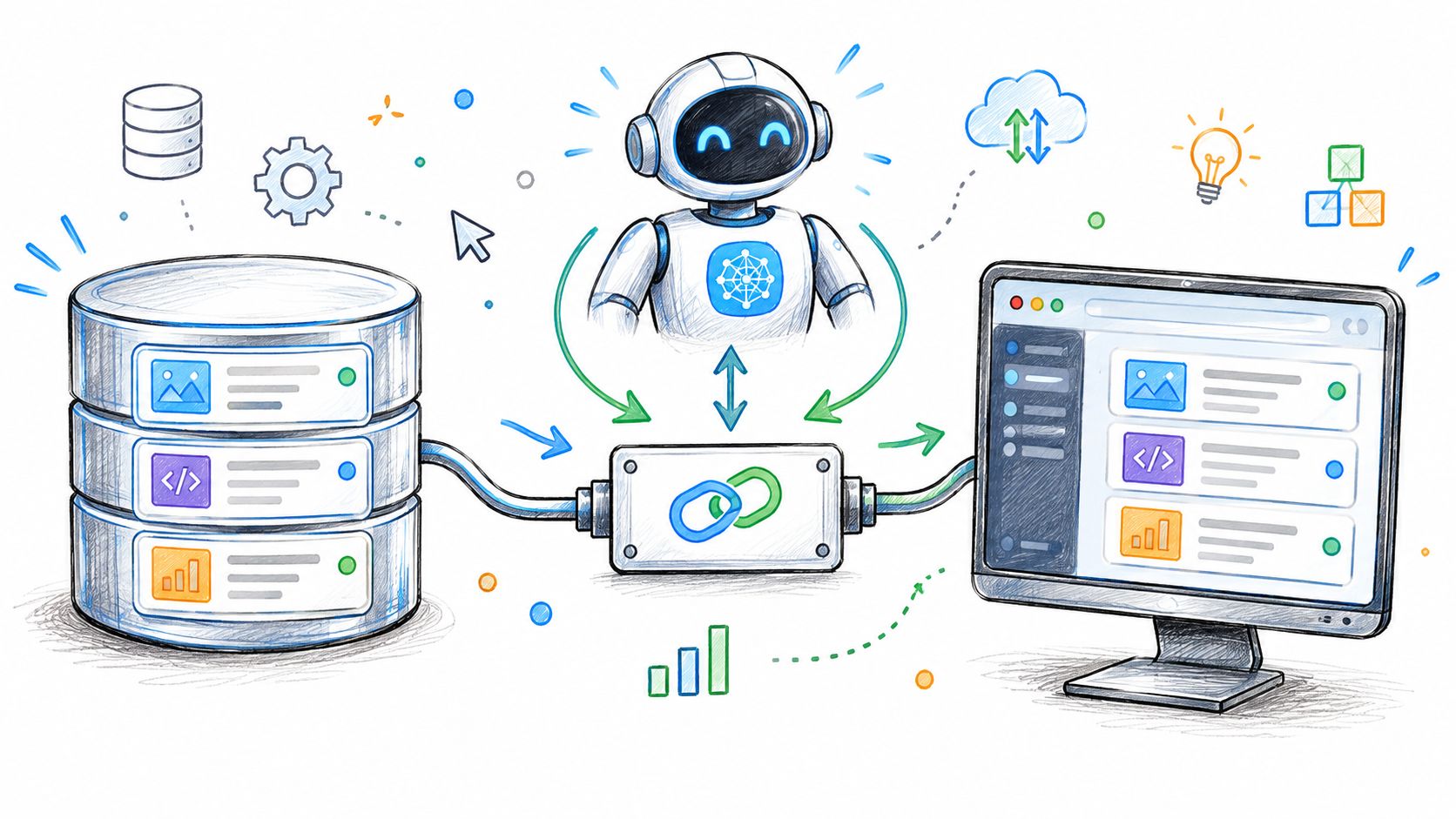
The useful unit is the row, not the directory
An engineer looking at an mcp server list should ask what each entry can touch. MCP classifies capability around tools, resources, and prompts. Tools are model-controlled actions, resources are application-controlled context, and prompts are reusable workflows. The server list only helps if each entry says which of those it exposes and whether it can mutate state.
AuricIDE's MCP setup belongs on the same axis. A team opening Settings → MCP Server → Init .mcp.json is not adding decoration. The desktop is writing or updating the auric-pm entry while leaving other server entries alone, so the project record stays tied to the workspace. That is a placement choice, not a feature dump.
A good setup screen also tells the truth about permissions. Read-only project resources can be open by default. Anything that writes a ticket, completes a requirement, or changes shared state should require a tighter mode.
Check Your CLI's MCP Support
The CLI's own MCP support decides what the agent can call, so the documentation comes first. The host can only route the capabilities the CLI exposes. A setup that assumes every agent understands the same tools is a shortcut to confusion, and confusion shows up as missing actions, not graceful failure.
One useful habit is to check the CLI docs before wiring it into the shared backlog. The spec says clients discover executable capabilities through tools/list and call them through tools/call, with tool names that are unique and schemas the client can inspect. That means an mcp server list should not be read as a promise. It is a catalogue of advertised capabilities, and the CLI still has the final say on what it can use.
A directory entry is a label on a drawer, not proof that the drawer opens in your hand.
A practical example is enough. A local agent can be ready to read repository state, but if the CLI only supports a narrow tool surface, the workflow stalls at selection time. That is why AuricIDE's provider model stays separate from the backlog. The provider config under Settings → Agent registers the CLI, while MCP governs shared state.
Chain Handover Is Separate From Backlog State
The next step in a combo gets the previous step's terminal tail, not the backlog itself. AuricIDE strips ANSI codes, filters chrome, removes duplicate lines, and caps that tail at 2,000 characters. A later step can read persistent ticket records only if its prompt or agent asks for them through MCP. The handover text and the shared project record solve different problems.
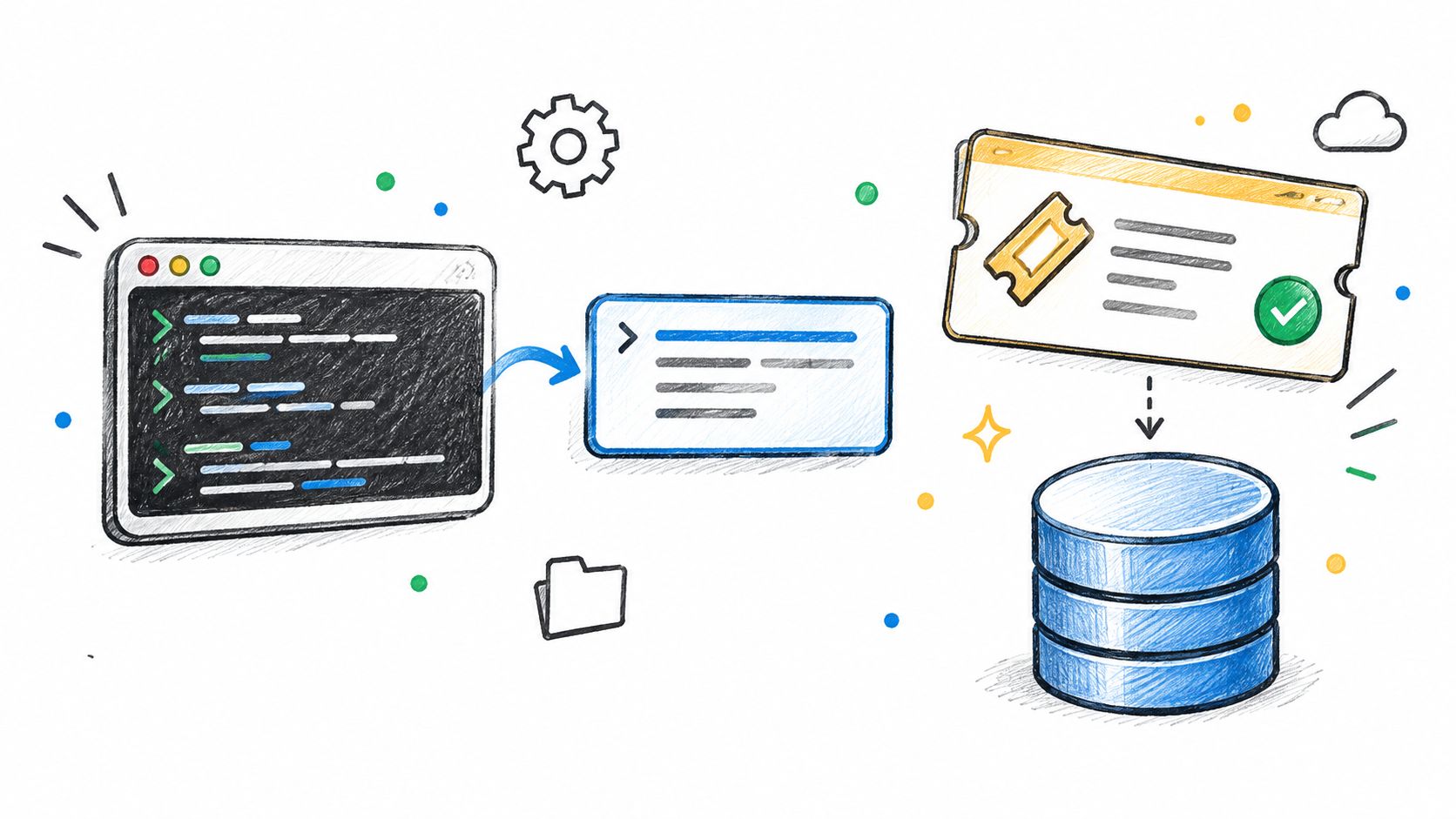
That split is the useful one. The terminal tail carries what just happened in the run. The SQLite file carries what the project knows. Treating both as one stream is how a chain starts depending on accidental screen noise.
The distinction also keeps the fleet view honest. A failed step stops its chain, and the next step does not start. For a team using a list of MCP-backed project state, that means the agent can fail without corrupting the backlog, which is the correct failure mode.
AI coding workflow becomes easier to reason about when the next step gets a cleaned handoff and not a pile of unrelated state.
Local Storage Keeps Project State in the Repository
AuricIDE stores project state in one SQLite file inside the repository. The record sits beside the code, so Git can move it with the project instead of leaving it in a separate service. That choice is plain and deliberate.
A cloned repo can carry the file, commit it, or leave it out through .gitignore policy. That gives the team control over whether backlog state belongs in versioned history or stays as a working file. If a second machine needs the same record, the file has to be present there as well.
Discovery is local too. A client resolves the auric-pm entry from the repo's .mcp.json, then opens the SQLite-backed store in that workspace. The placement decision matters more than the label in the list.
Git history also changes how the state behaves. A committed SQLite file gives a traceable project record, while an ignored file keeps the backlog off the permanent history and closer to a live working state. Teams have to choose which of those they want before they rely on the repository as the source of truth.
A Good Fit for One Machine, Less Convenient Across Offices
The shared-file setup works cleanly when one person or one office owns the workspace. Once the team spreads across offices, the trade-off becomes visible. Privacy and control stay close to the machine, while sharing the same record across sites takes an explicit transfer step.
A solo project pays little for that choice. A distributed team has to decide who writes the SQLite file, when it moves, and whether the repo policy keeps it in versioned history or leaves it as a working file. Keeping the record local costs distributed teams that transfer step, and that cost is part of the design.
The server list itself follows the same rule. A catalogue can show what is available, but the useful question is where the project record lives in this workspace and who updates it. On a local laptop, that answer is simple.
For AuricIDE, the file stays inside the repo. Teams that accept that placement get a single record with clear ownership, and they avoid guessing which copy is current.
Agent Failures Affect Fleet Status and Chains
A run succeeds or fails from the agent process's exit status, so the fleet view can sort what needs attention without pretending every process ended the same way. The attention metric ranks error above blocked-on-input above stalled, which keeps broken runs near the top. That ordering is a placement decision too. It puts human review where the damage is easiest to see.
The failure path is deliberate. A failed step stops its chain, and the next step stays idle. That protects the project record from a half-baked continuation and keeps the handover honest. AI agent monitoring makes more sense when the failure state and the shared backlog remain separate concerns.
A retry can help, but it should not become reflex. If the process failed because the required context was missing, a rerun just repeats the same gap. The useful move is to inspect what the last attempt changed before another dispatch goes out.
Read the decision log before retrying anything.
MCP Server List: 8-Point Feature Comparison
| Capability / Topic | How It Works | Main Value | Limitation / Consideration | Best Fit |
|---|---|---|---|---|
| Shared backlog | Desktop and agents use the same project SQLite records | Keeps project data consistent | Depends on agents writing to the shared records | Multiple agents working on one project |
| Project data over MCP | Agents read and write goals, tickets, requirements, tests, dependencies, and history | Makes current project state available to agents | Available tools depend on each CLI's MCP support | Workflows that use MCP-capable CLIs |
| CLI MCP support | Support and available tools vary by CLI | Helps teams verify capabilities before relying on them | Check each CLI's documentation | Teams selecting or configuring agent CLIs |
| Chain handover | The next step receives a cleaned, capped terminal-output tail as prompt context | Carries short-term context between different agents | Handover is separate from persistent tickets; tail is limited to 2,000 characters | Multi-step agent workflows |
| Local project storage | Project state is stored in a SQLite file inside the repository | Keeps code and context on the user's machine | Sharing state across machines requires manual file transfer | Local-first and single-machine projects |
| Team location fit | People at one workstation can use the same backlog record | Simple shared state for a co-located team | Less convenient for teams spread across offices | Solo developers or teams working on one machine |
| Agent failure handling | Process exit codes determine outcomes; failed steps stop the chain | Surfaces errors and prevents later steps from running after failure | A failed step needs review before the chain can continue | Workflows where clear failure visibility matters |
| Bounded auto-dispatch retries | Retries stop at a set limit, with decisions recorded in a timestamped log | Makes retry behavior traceable and finite | Review changes and logs before retrying; unresolved items remain errors | Teams using automated dispatch with human oversight |
Where the Project Record Lives
A shared record is only as shared as the file that holds it. The cleanest rule is to decide where that file lives before the first agent writes to it, because changing the location later means rebuilding trust in the backlog. If a second machine is part of the plan, the transfer step needs to exist before work starts there.
AuricIDE treats that as a first-class design choice. Project state stays in the repository, MCP exposes it to agents, and the desktop reads the same source of truth as the fleet. That keeps discovery, validation, and lifecycle status separate, which is the right split for an mcp server list that is meant to support real work instead of just naming servers.
If that matches the way the team works, open AuricIDE and look at the shared-state path, the MCP setup, and the local agent flow together. The product is built for repositories that need one backlog, one file, and more than one process.
If shared project state needs to stay local while multiple CLI agents work from the same backlog, AuricIDE is built for that setup. It keeps project data in the repository, exposes it over MCP, and runs agents locally as a fleet. Visit AuricIDE to see how that fits into a local-first workflow.