AI Tools for Software Engineers: A 2026 Guide
Discover the best AI tools for software engineers in 2026. Boost productivity, automate tasks, and write better code with our expert picks.
An engineer adds a Markdown file to a repository and saves a reusable prompt. After AuricIDE reloads, the new command appears where expected. The prompt is there. The familiar permission setting is gone. A fresh checkout restores the file, but AuricIDE leaves out the safety choice that seemed to belong with it the first time it ran. The mismatch is easy to miss when evaluating AI agent access control, because the command still works.
When You Save a Skill and Watch Its Permissions Disappear
Saving a skill keeps its prompt. AuricIDE stores its permission mode elsewhere.
That seems reasonable to expect. The engineer expected one portable unit: commit the skill, move the repository, and get the instruction and its safety policy back. A reusable Markdown file looks like config, and AuricIDE scans the repository again after it moves. AuricIDE restores the full prompt. The launch screen has no record of the old permission choice.
Nothing crashed.
No warning appeared.
Seeing the command proves AuricIDE found the skill. It does not prove that AuricIDE restored its permission.
The settings screen placed the prompt and permission choice close together. AuricIDE saved them as separate objects from the start. The project stores the reusable work. AuricIDE records how that work may run in another place.
What a Skill Actually Is
The word skill covers two objects. Their jobs, storage, and lifetimes differ.
A discovered skill comes from a repository scan or another configured directory, and it names commands while it supplies the prompts those commands run. The scan answers a basic question: which reusable instruction is available here?
A launch preset lives in the application's preferences. It ties a provider, model, and permission mode to a launch action. The preset answers a different question: which run settings should AuricIDE use for this instruction?
A recipe card tells someone how to prepare a meal. The card can move houses. Each household still decides who may use the stove and under which rules. The instruction and the permission come from separate choices.
A skill describes reusable work. A preset approves one way to start it.
AuricIDE has no single built-in coding assistant with one setup flow. You register a CLI as a JSON provider under Settings → Agent. You add or find reusable prompts through a separate path. Each action sets up a different part of the app.
How Do Discovered Skills and Launch Presets Differ Under the Hood?
Discovered skills record what AuricIDE found. Launch presets record how AuricIDE should start that work.
A scan can find a Markdown skill in a directory such as ~/.auric/skills, or in repository paths set up for scanning. Its record includes the invocation, name, description, source, scope, and file path. It has no provider, model, or permission mode. A file becomes a /name command. Subdirectory files become /dir:name.
Launch presets come from app preferences. Each preset stores the provider, model, permission mode, label, and prompt for one launch choice.
| Aspect | Discovered skill | Launch preset |
|---|---|---|
| Command identity | Invocation and name, read from the file | A label you set |
| Prompt information | Description and Markdown content | Stored prompt or linked invocation |
| Origin | Source, scope, and file path | App preferences |
| Execution choice | None | Provider, model, and permission mode |
The scanner registers a command. It finds the source. It cannot approve permissions or choose the CLI that should run the command.
A preset made from a discovered skill keeps the skill's invocation, so a later scan can match the two records again. A preset made from an app-wide definition saves its own label and prompt as a snapshot. Its text remains after someone deletes the original definition.
Seeing how they differ is easier after reviewing how local AI agents fit into the workspace. Registering a provider tells AuricIDE which external CLI to use. A separate scan finds reusable instructions, and the preset holds the launch choices.
Why Does Moving a Skill File Not Move Its Safety Policy?
Moving or copying a skill file puts its prompt in the new project. The app keeps the permission mode in its launch preset.
Suppose a repository has a task prompt that needs write access in one workspace. Copy its Markdown file into another repository, and AuricIDE can find the same invocation there. The scan restores the prompt. The file has no preset because app preferences store presets.
The new project needs a new launch choice. An engineer must rebuild the preset with its provider, model, permission mode, label, and link to the prompt. Before that happens, the command proves the scan worked. It says nothing about whether the old policy exists.
This causes trouble. The expected command can make setup look complete. Someone still has to choose the permissions. Keeping the two records apart creates a safety boundary: checking out a repository cannot silently grant an agent more power.
The repository stores the prompt. App preferences store the rules for running it. An editor settings file may change editor behavior after checkout. An AuricIDE skill file makes no such promise about agent permissions.
The same issue belongs in any review of AI development agents. A workflow audit must inspect both layers. One of them may have no file.
What Is the General Lesson for AI Tools for Software Engineers?
Other ai tools for software engineers may find reusable work in a codebase and store permissions somewhere else. They create the same two-layer model.
A scan can read text and frontmatter, register a command, and record its source path. Each result describes the file it found. Permission records a person's choice about project rules, the selected agent, and what that agent may do. A Markdown file cannot make those choices safely for every workspace.

The same warning applies beyond AuricIDE. “Found in the repository” does not mean “approved to run with this authority.” A tool may show both choices together and save them in separate places. That split changes who owns each record, how teams review it, and what moves with the project.
Ask two questions. Which file or record did the tool find? Which local choice allows it to run? Different answers mean that copying one record cannot preserve the other, and a successful scan tells you nothing about the current safety policy.
Copying a prompt between projects does not copy its permission choice. The scan reads a file. A preset records the choice for one launch context.
Where Should Engineers Put Skills and Rebuild Presets?
Put each skill in a configured scan directory that matches its scope. Then rebuild its preset in every place where the skill needs a set run policy.
Keep a repository-specific skill with the repository or subdirectory whose rules it describes. Put a shared skill in a configured common directory when its name and scope fit every project where it will appear. Use the same rule inside monorepos. File location controls where AuricIDE finds the skill. It sets no permissions.
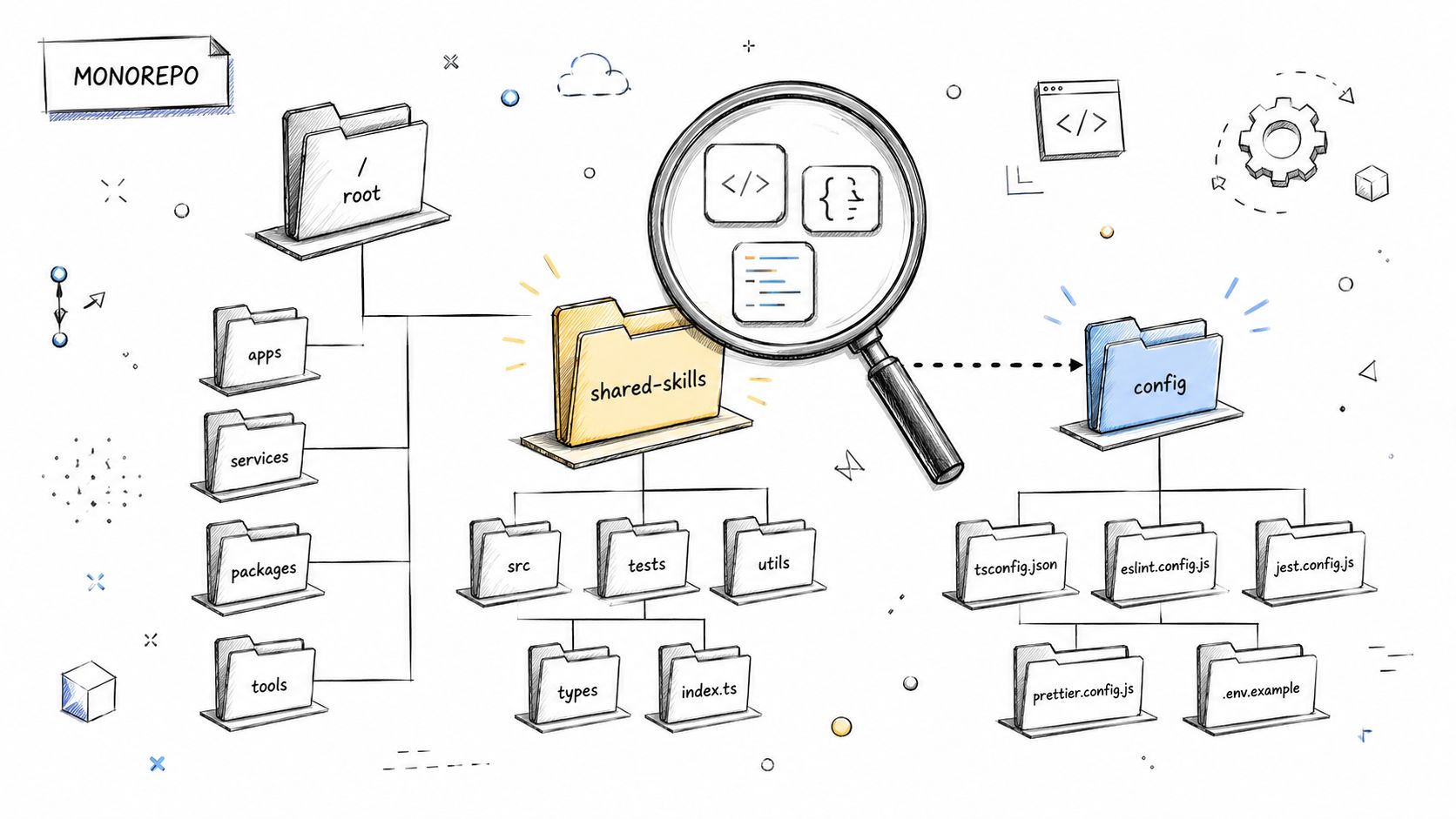
Create a matching preset when a task needs a chosen provider, model, or permission mode. After moving a skill, check three things:
- Confirm that scanning exposes the expected
/nameor/dir:namecommand. - Confirm that the new preset matches the discovered invocation and intended scope.
- Review the provider, model, and permission mode before the first launch.
The model is simple. A reusable prompt is a project file. Permission is a choice made for a launch. You can copy the first. You must make the second again for its new context.
Get the placement right once, and moving a skill between projects stops being a guess about what permission it will run with. Visit AuricIDE to see where discovered skills and launch presets live in your own repositories.