Multi Agent Workflow: Designing Handoffs That Hold
Design a multi agent workflow for CLI coding agents: split tasks, pass terminal tails between steps, and stop chains cleanly on errors.
At the first test run, the payment retry change looks finished. Consider an illustrative run: Agent A and Agent B receive the same ticket and edit the same handler within minutes. The second write replaces the first. The merged file matches neither agent's tested version.
Why Did Two Agents Rewrite the Same Handler?
Both agents wrote the handler because neither had exclusive ownership of it. Each started from the same ticket. Each expected its changes to remain available for testing. Neither checked whether another writer had changed the file.
The obvious explanation is vague prompts. Better prompts can narrow the edit scope and define an acceptance test. That's worth doing. But both prompts in this scenario can be clear, and both agents can follow them correctly, while the combined result still fails.
The missing instruction concerns ownership. Who may write the handler? When does that right end? How does the next writer learn what changed?
Ownership rule: A ticket has one writer at a time, and every update names that writer.
Two cooks reaching for the same pan don't finish dinner faster. Another cook helps once each station has an owner. Coding agents need the same division, plus a record that the next agent can inspect.
Adding a second agent makes a coding task slower unless each agent owns one piece of work and each handoff is written down.
That claim sets a demanding test for a multi agent workflow. More output isn't enough. The design must prevent overlapping writes, define the handoff, and explain what happens after failure. Otherwise, review becomes a reconstruction job. Someone must work out which changes were tested before deciding whether the final patch deserves another run.
How do you split a feature across agents?
Split the feature by its dependencies, then give each part a handoff rule.
- Write tickets. List dependencies and name an owner for each file or module. For the payment change,
handler.tsgets one writer. - Mark the order. A ticket is sequential if it needs an earlier result. Independent tickets must touch separate files without relying on unfinished changes.
- Build the combo. Sequential tickets become ordered skills. Each skill defines a prompt, provider, model, and permission mode. Each combo step selects its own agent.
- Assign the merge. Parallel agents work on separate files. One named integrator merges their changes and tests the combined result.
- Record shared work. Keep goals, tickets, requirements, test cases, dependencies, and history in shared project state. Agents read and change it through MCP tools. Don't assign them direct database edits.
- Define the handoff. The next step receives its own prompt followed by the previous session's cleaned, labelled terminal tail. Require it to verify the result.
Skills are discovered by scanning configured directories. Define each once. Repositories can carry skills written for different CLIs, and those skills are available across projects.
The handoff travels as raw standard output, cleaned and labelled as raw, possibly truncated output. That label matters. It tells the next agent the tail is evidence to check, not a result to trust, so a missing test summary requires inspection rather than an assumption that tests passed. The agent context management guide addresses that handoff boundary.
Three handoff shapes and what each one carries
| Shape | What the handoff carries | Fits when | Cost to plan for |
|---|---|---|---|
| Sequential chain | Previous step's terminal tail, plus the step's own prompt | Each step needs the previous output, such as planning before implementation | A failed step ends the chain; the tail may be truncated |
| Parallel agents with an integrator | Separate files, merged by one integrator | Tickets touch separate files or modules | Merge conflicts surface at integration |
| Shared state over MCP | Tickets, requirements and test cases read and written through tools | Several agents need the same backlog | Every writer needs an ownership rule |
MCP access doesn't grant ownership. Write that rule before another writer arrives. Without an integrator, parallel work leaves the merge to whichever agent finishes last.
What happens when an agent fails mid-chain?
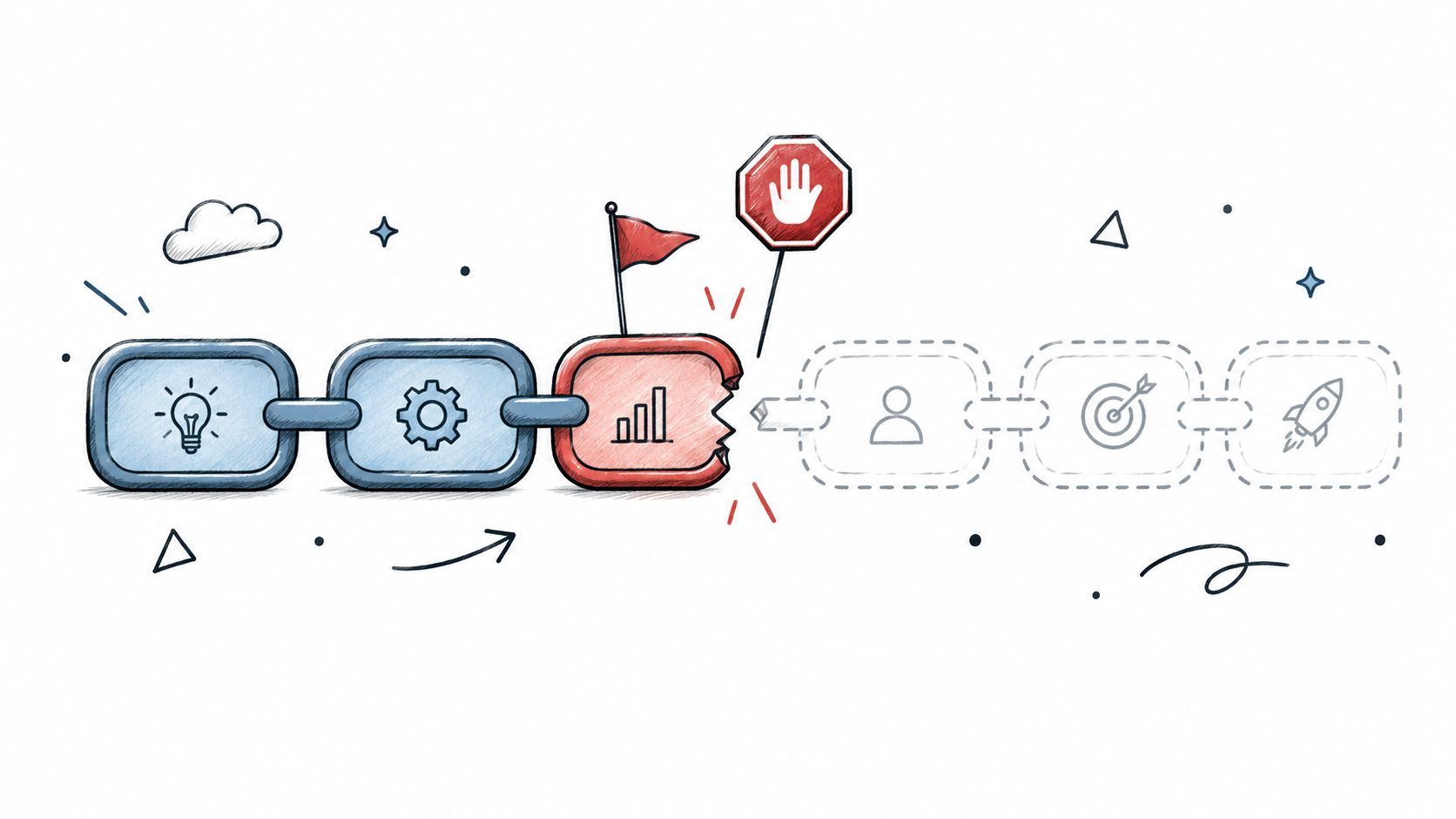
The chain stops at the failed step, and the next step doesn't start.
Agents run locally as PTY child processes. AuricIDE derives success or failure from each process's exit status, rather than treating a reassuring final message as proof of completion. A crash becomes an error state. It isn't an idle agent.
The attention metric orders errors above blocked-on-input agents, then stalled agents. It produces a single attention count. The agent monitoring guide provides context for reading that fleet view.
Attention signals, chain effects and first actions
| Signal | Attention rank | Effect on the chain | First action |
|---|---|---|---|
| Process ends with an error status | 1, error | Chain stops; next step doesn't start | Read the terminal tail, then fix the input |
| Agent waits for an answer | 2, blocked on input | Step hasn't ended | Answer the prompt or park the agent |
| Agent stops making progress | 3, stalled | No completion yet; inspect before deciding | Check the terminal tail's last lines |
A stalled signal deserves inspection. It doesn't establish that the process failed.
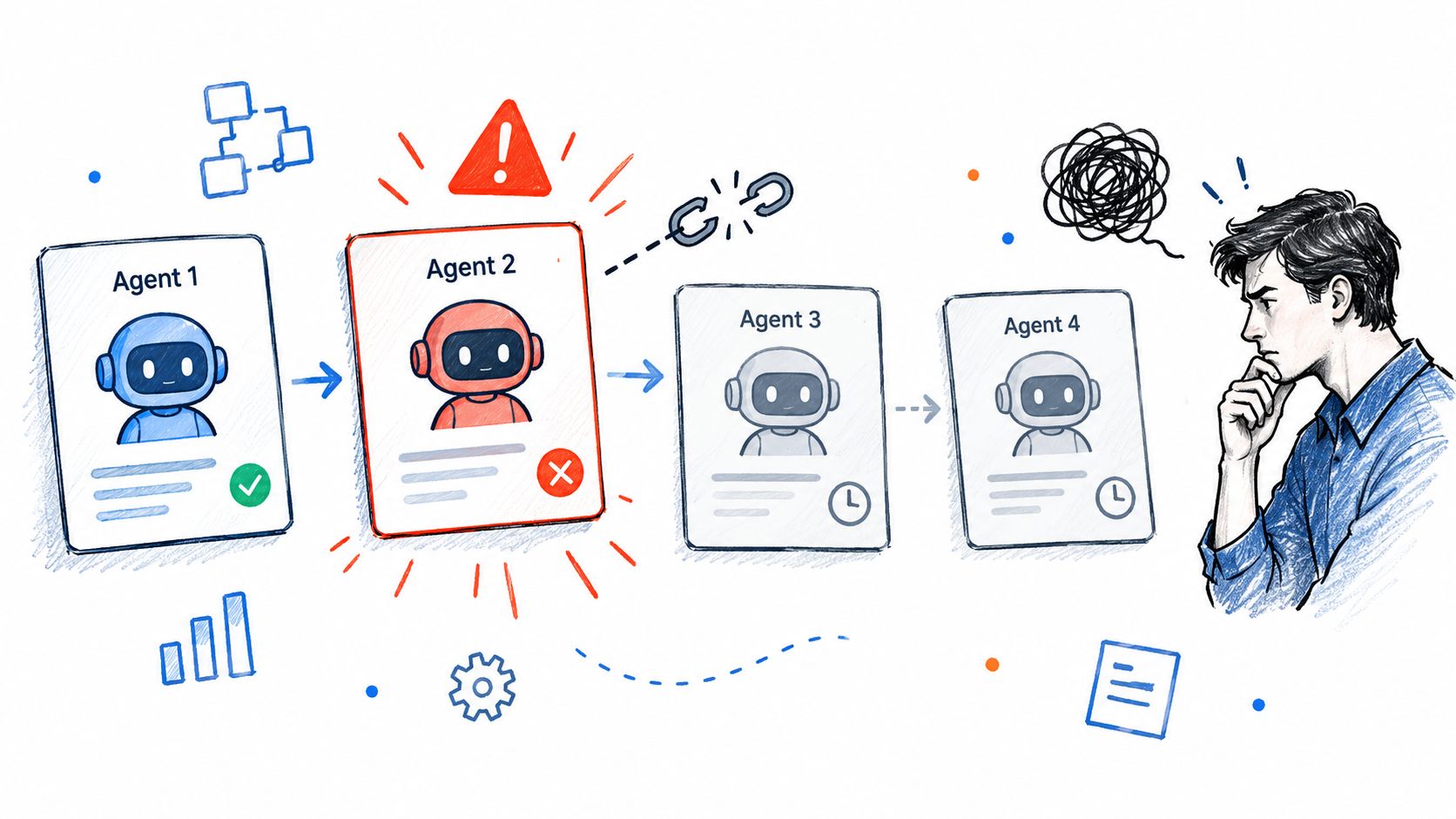
Recovery starts with the failed step's terminal tail. Check whether the agent failed or read incorrect input. Fix the ticket or requirement it used, then inspect any partial edits before attempting another run.
A retry must account for edits already made.
Auto-dispatch can sort unblocked tickets by dependency and priority, limit retries, and record each decision in a timestamped log. Those records help explain an assignment. They don't establish that repeating it is safe.
Resume behavior isn't documented here. Confirm how the installed version reruns a stopped combo before relying on recovery from a particular step.
What does a multi-agent workflow cost you?
Choose multiple agents only when separate work justifies the extra compute and the review that follows a claimed success. Each added run consumes resources. Each writer adds another output to check. Include the handoff and failure path in the estimate, and make the ownership rule explicit: whoever approves a step owns its terminal tail and the independent acceptance check.
AuricIDE stores project data in a SQLite file inside the repository. That keeps the work record on the local machine; sharing across machines remains the team's job. External agent CLIs may still send context to their configured model services, so local project storage and agent traffic are separate cost decisions.
In 2025, Stack Overflow's Developer Survey reported that 87% of developers had concerns about the accuracy of AI agents. Run the acceptance test independently. Treat a success message as the starting point for review.
Cost decision: Compare the accepted patch with the compute, review time, and correction work needed to produce and verify it.
External CLIs use one JSON file per CLI, placed in a configured directory or imported under Settings → Agent. Registration needs no restart, recompile, or plugin API. Strict parsing is part of the bargain: one missing field rejects the entire file, and the reason goes to stderr. Check that diagnostic before checking the agent.
JSON definitions remove rebuild and plugin maintenance. Each CLI still carries its own permissions and output conventions, so a mixed fleet needs a separate check for every writer.
A harness wraps an agent CLI through its JSON definition. AuricIDE runs agents as local child processes and keeps those differences explicit. The agent cost guide helps estimate the cost side of that decision. Before adding a writer, estimate review time for the terminal tail, patch comparison, and acceptance test; when the check costs more time than the parallel run saves, keep the fleet smaller.
Which workflow should you build first?
Build the first workflow as a two-step combo on one repository before trying parallel branches. Each step selects its own agent, and an error ends the chain, so a short chain already exercises the handoff and the failure path.
The first week, in order:
- Pin the repository; it becomes an app tile whose right-click menu can list up to eight skills.
- Pick one small ticket and define each step as a skill: a prompt, a provider, a model, and a permission mode.
- Run the chain once and keep the terminal tail, labelled raw and possibly truncated, for the next step to verify.
- Force one error and read the actual exit code before retrying.
- Write the ownership rule that fleet setups tend to leave unwritten: one owner per write, every handoff recorded, and a defined check on partial work.
AuricIDE is an open-source desktop IDE under AGPL v3; the editor, agent panel, backlog, requirements, terminal, and Git share one window.
AuricIDE offers reusable skills, ordered combos, and shared project state for CLI-agent fleets. Visit AuricIDE to install it and test a small chain with explicit ownership and checked handoffs.