AI Test Case Generation: Write the Test Before the Code
Learn how AI test case generation works on a ticket, and why the test must reach the agent before it writes code.
Design case: an agent picks up a ticket for a login form. Before it writes a line, it gets this block in its prompt.
Test Cases:
- Empty password is rejected Submitting the login form with an empty password shows 'Password required' and does not call the API.
The agent writes the code, then generates tests for its own work. Every test passes. The empty-password request still reaches the API: the form shows the message, and the tests only confirm that it appears.
Why Can Every Test Pass and the Ticket Still Fail?
A green run only says that the assertions somebody wrote have passed. Here, the agent adds the message and tests that it appears, leaving the network call unchecked. The code can show the right words while sending a request the ticket forbids. Half the requirement never became a check.
The prompt included the whole requirement. The agent missed part of it. Reading a sentence does not mean following every part of it, and nobody should expect a prompt to force that. Writing the requirement down before coding gives reviewers something to check the result against.
Reviewers can miss that sentence too. The tests are green. The diff looks tidy. Nothing red points to the missing check. All the evidence on screen agrees, so the miss can survive a review even when nobody has been careless.
This gap is what AI agent testing pulls apart from the other side: a finished run and a met ticket are two different claims.
Does AI Test Generation Mean a Test File After the Code?
Picture the setup that comes to mind first for ai test case generation: the agent finishes the code, then generates a test file for it. Those tests run in the project's own runner, can be committed and keep protecting the code long after the ticket closes. A test that checks the message can still catch a later change that removes it.
Expected results are the weak spot. The agent reads its own code. It uses that code to decide what "correct" means, so a wrong choice becomes the answer the tests expect. Think of a student writing the answer key after taking the exam. Every answer gets marked right. Nobody checks the questions again.
Research backs this worry. A 2024 arXiv study by Dong Huang and colleagues found that on real-world examples, tests generated for incorrect code had a 47% worse bug detection rate. The tests repeat the mistake they should catch.
Even a good test title can hide that mistake. A test named "rejects empty password" can sound like it covers the whole case when its assertions cover half. Read those against the requirement.
Generating test cases is the easy part: they help when they exist before the code, so put them on the ticket, not only in a test file nobody opens until review.
Putting the case on the ticket gives reviewers an expected result written before the agent chose how to build the code. Review can then check whether both conditions were met, instead of treating whatever the code does as the intended result.
The same timing matters for spec-driven development: a spec helps with testing when somebody wrote it before the code existed, but one written afterwards from the code alone can repeat the same mistake.
Where Does a Test Case Live in AuricIDE, and Who Reads It?
In AuricIDE, a test case is a title and a body attached to one ticket. A person adds one with the + Add Test Case button in the ticket editor; an agent uses the create_test_case tool, which takes a ticket, a title and an optional body. The title can be a few words, and the body can be one plain sentence, like the opening example. A ticket can carry several cases, one per behaviour, and each becomes its own numbered entry in the block.
Two readers get that text. When the ticket becomes a prompt, its cases appear in a numbered block headed "Test Cases:", each with its title and body. The agent reads this before coding. Because the prompt is built at that point, a case added later does not reach an agent already running.
The second reader reviews the finished ticket. If Judge review is on, the Conductor's judge gets the same cases under "Acceptance criteria" and uses them to decide whether the ticket is done.
Both readers get text. AuricIDE does not run these cases. The app has no built-in test generator; an agent that writes cases does so through that one tool.
A title and a plain sentence suit the job. A pasted script can bury the outcome under fixtures and helper calls. One sentence can name the input, the visible result and the forbidden side effect. Both readers can check those against what happened.
What Does a Vague Test Case Cost?
Nothing runs the case's text. A vague case leaves the agent to guess what counts as done, and whoever accepts the work has to guess again. By then the first guess has already become code.
The same ticket shows the cost:
Before: Form handles bad input.
After: Submitting an empty password shows 'Password required' and does not call the API.
The first version leaves three choices open: which input counts as bad, what the user should see and whether a network call is allowed. The second fixes the action, the visible result and the side effect that must not happen, so a miss can be named.
The judge needs those details too. When it runs as a plain model call, it sees the ticket, the goal's success criteria and the test cases. It does not see the diff. It can judge only the words it gets. A loose case such as "Form handles bad input" gives it nothing to hold the work against, and a person reviewing the diff is in the same spot. It lets almost any claim through.
Before coding, "no API call" costs one sentence. After coding, settling that same point means reading a diff and arguing about what the sentence was meant to say. One case may be enough for a small change if the ticket already states the full result.
What Still Holds in Any Other Tool?
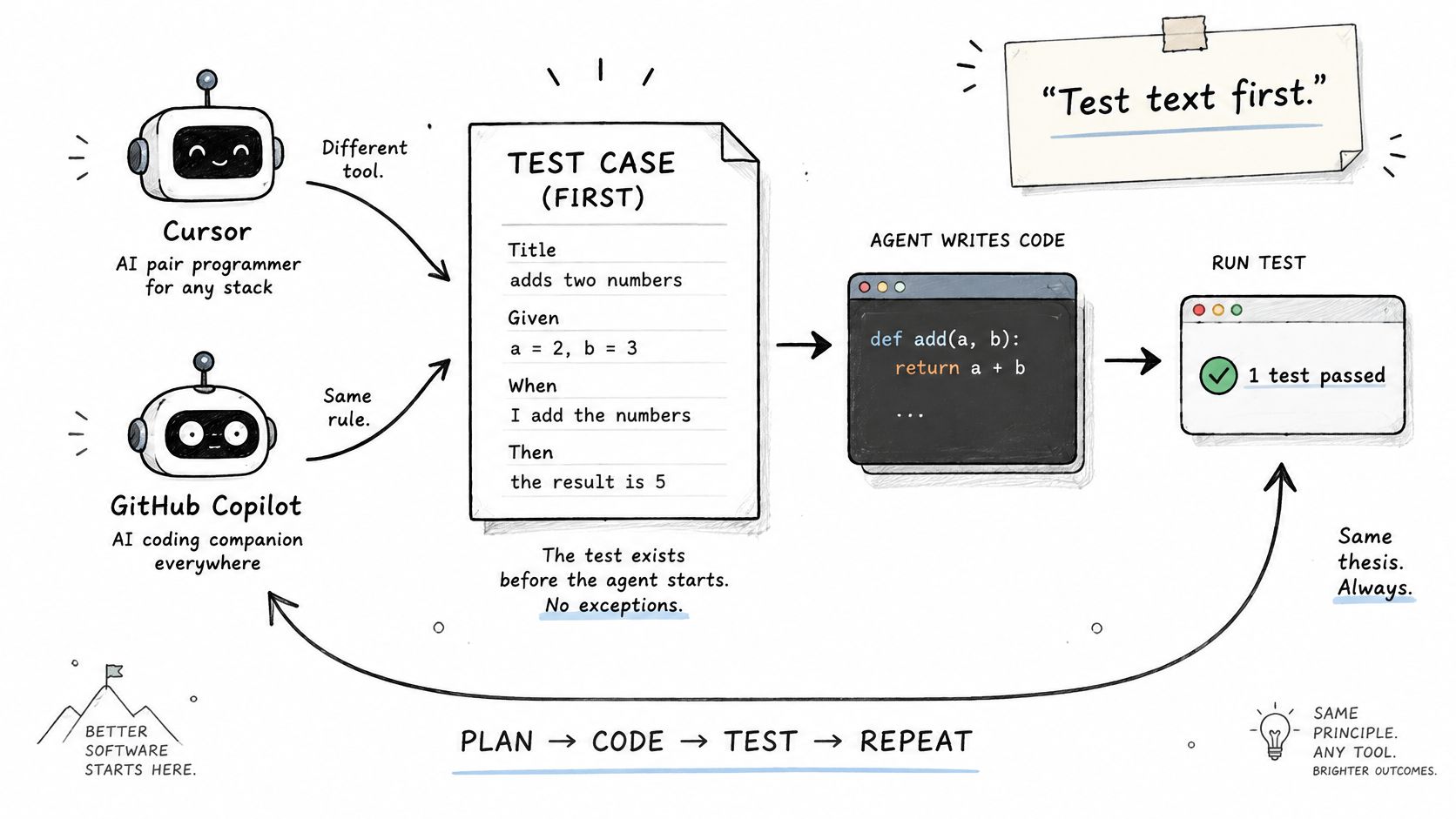
You can write down what done looks like before the code exists, with or without ticket records. It costs little, and it needs no particular tool. Without ticket records, put the same text straight into the task prompt, or into a note at the top of the change. For the login form, that is one line: submitting an empty password shows the required message and sends no API request.
That line gives whoever reviews the diff, whether a person or another model, the requirement the agent received. A test file can still follow, and generation has a real job here. Asked to turn the written cases into tests, an agent has an outside source for its expectations, and the forbidden request becomes an assertion instead of an afterthought. The requirement just needs a place before the code is written.