AI Agent for Software Development: What Every Engineer Needs
Learn how an AI agent for software development can automate coding tasks and boost your productivity. A practical guide for engineers in 2026.
The common advice says the model is the hard part. That's the wrong place to look when an ai agent for software development reaches a real codebase, because the thing that breaks first is usually the harness around the model, not the model itself. The subprocess wrapper, the working-directory handoff, the state file, and the exit-status path decide whether a fleet gets work done or just makes noise.
The Part of AI Coding Agents That Actually Breaks
The harness breaks first because it owns the boring parts software teams feel every day. A model can draft text, but a fleet still needs a process manager, a working directory, a tool registry, a retry rule, and a clear way to decide whether a step failed or just needs more context.
The failure surface is not the prompt
A CLI agent inside a repo has to inherit the right files, the right paths, and the right permissions. If the wrapper gets one of those wrong, the whole chain stalls, even when the model output looks fine on paper. That is why the brittle part is usually the code around the agent, not the agent itself.
A fleet that cannot explain its own failure is too expensive to trust.
Adoption data from 2025 shows the shape of the market around this problem. About a third of developers were already using AI agents at work, with a further cohort planning to adopt them, while a sizable minority did not plan to use them. That mix matters because the question has moved past novelty and into workflow design.
The practical lesson is simple. If the agent gets stuck, check the shell boundary, the file boundary, and the retry boundary before blaming the model.
What an AI Agent for Software Development Actually Is
An AI agent for software development is a loop that looks at files, plans a move, calls a tool, reads the result, and keeps going until it should stop. A coding agent narrows that loop to source files, tests, builds, package managers, and editors.
The stack is layered
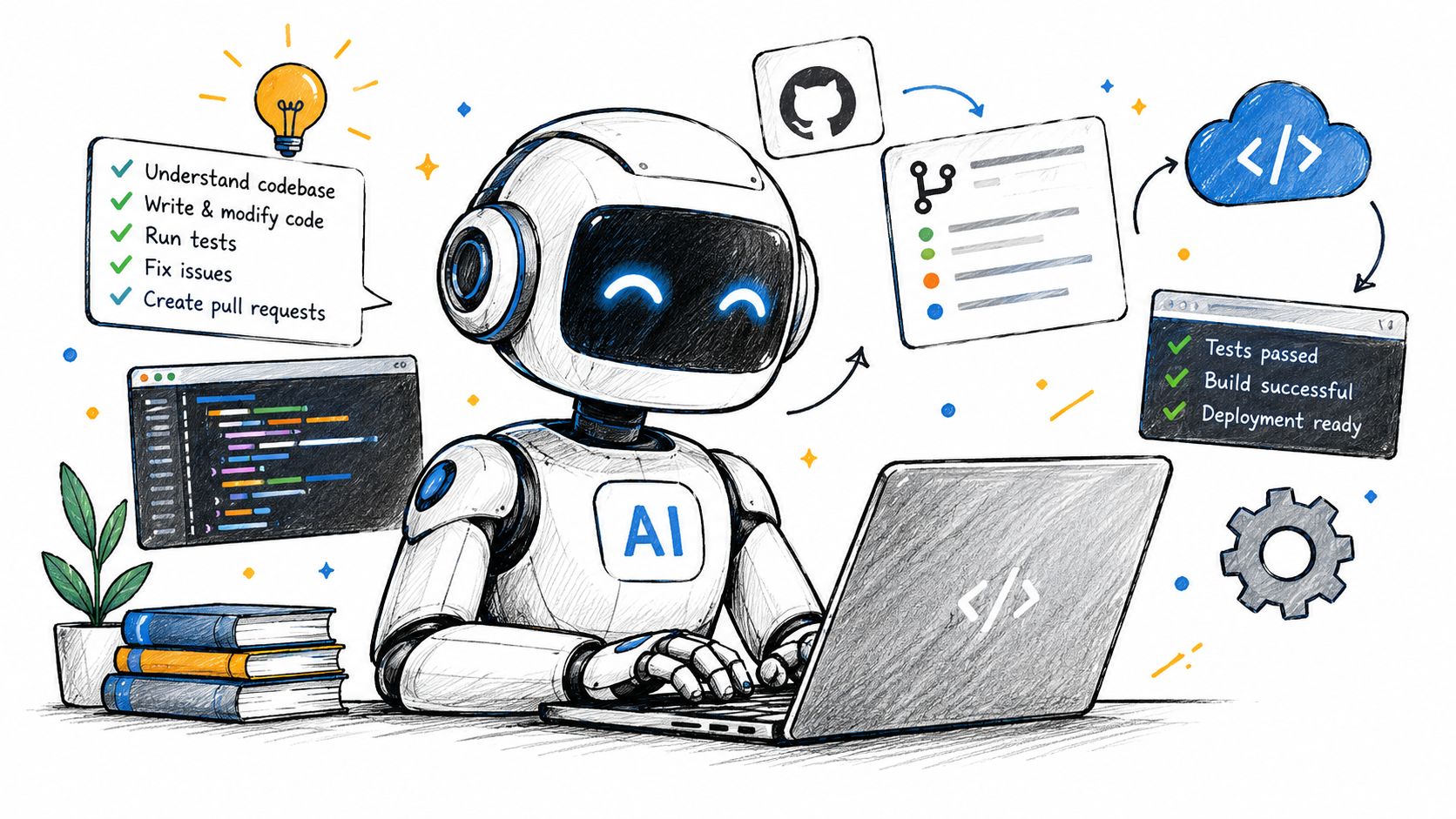
A harness sits below the agent. It owns the working directory, the prompt template, the tool registry, and the lifecycle of each subprocess call. A fleet sits above that, so one step can feed the next with terminal context rather than forcing a human to copy and paste the result by hand.
An ordinary analogy helps here. A kitchen line works because the prep station, stove, and pass each have a role, and nobody expects the oven to also manage ticket routing. The same separation matters here.
The vocabulary matters because the rest of the workflow depends on it. When a step says “failed,” that may mean the CLI exited badly, the filesystem was wrong, or the next step never got the right tail of output. A clean mental model saves time later.
For a short related read on the split between the agent and the model, see AI agent versus LLM.
How a Fleet of Agents Hands Work Between Steps
A fleet hands work forward by copying the last step's terminal tail into the next step's prompt and by keeping each run's files separate. That makes the handoff inspectable, because each subprocess gets its own directory and its own exit status instead of some shared blob of memory.
The terminal tail matters more than people expect
AuricIDE treats a chain as ordered steps. Each step gets a cleaned terminal tail, with ANSI stripped, chrome filtered, and duplicate noise removed, then capped at 2000 characters before it becomes context for the next step. That cap is not decoration. A long stack trace can crowd out the useful part of the failure if nobody trims it first.
Shorter handoffs are easier to replay. They are also easier to debug with plain text.
The other useful detail is that the handoff is deliberately simple. Each CLI runs as a local PTY child process, and each step reports success or failure from its own process outcome. That means the chain can tell the difference between a normal stop and a broken one without inventing a second interpretation layer.
For a more detailed discussion of this kind of context flow, the internal note on agent context management is useful background.
What AuricIDE Does When a Chain Fails Mid-Run
AuricIDE surfaces a mid-run failure as a step-level artifact, then lets the engineer open the failed step instead of reading a wall of logs. The useful bit appears on the click, because the relevant terminal tail and file path show up next to the step that broke.
The bad guess is usually one layer too high
A planner CLI can fail because an upstream call returned a truncated response. That sounds like a model problem at first glance, and that guess is tempting because it points to the newest part of the stack. The actual issue can sit lower, inside the path the next step expects to read.
In one flow, a planner wrote its plan to /tmp/auric/plan.json, while the next CLI expected .auric/state/plan.json because the working directory came from the launch shell. The failure was not mysterious after that. The planner had produced output, but the next process looked in the wrong place.
AuricIDE makes that mismatch visible in the step view. The engineer clicks the executor, sees the missing-file marker, checks the cleaned terminal tail, and notices the relative path. On retry, the chain rewrites the planner output to the canonical state path before context moves forward. That is the useful behavior, because the run becomes replayable from disk instead of being reconstructed from guesswork.
The decision behind the recovery
The cost is real. Each step pays a serialisation hop so the chain can be replayed from a file rather than inferred from transient process state. That slows the happy path a little, and it buys a failure path that can be inspected later.
A local-first desktop app can make that trade on purpose. AuricIDE is one such option, because it keeps project data inside the repository and exposes shared project state over MCP for the parts that need coordination. The design is plain, and the price is equally plain, because state locality helps auditability while making shared reproduction less effortless.
For the monitoring side of this behavior, the internal note on agent monitoring fits well beside this example.
The Trade-Offs an Engineering Team Is Signing Up For
An engineering team is signing up for decisions, not a feature list, when it adopts this kind of harness. Each decision changes who can inspect a run, where state lives, and how much trust the team gives a local process.
The decisions are concrete
| Decision point | What it touches | What you gain | What you pay |
|---|---|---|---|
| Local-first state | .auric/state/ and the repo tree |
Auditability and simple replay | Harder cross-machine reproduction |
| MCP-exposed project state | Shared backlog and requirements | Multiple agents can see the same run state | A larger trust boundary around the filesystem |
| JSON harness registration | Agent provider config under settings | New CLIs can be added without a rebuild | Validation work across many repos |
| Exit-status attention ranking | Step ordering and recovery | Deterministic failures get attention first | A clean plan can still be retried after a timeout |
Recent field data from professional teams shows where this has settled. Weekly use of AI coding agents is now common on many teams, daily use is common, and a substantial share of code is reported as fully or partially agent-written. That shift moves the decision from helper mode to execution mode.
The trade-off is simple. A team is no longer picking a chat box. It is choosing how much of its workflow belongs on disk, how much belongs in a prompt, and how much belongs inside a local process tree. That choice changes auditability, recovery, and how easy it is to reproduce a run after something breaks.
What to Carry to Any Other Agent Harness
The durable lesson is that context handling beats model worship. A team that learns where step N writes, how step N+1 reads, and what gets replayed after a crash can move between tools without losing its footing.
Four questions survive the tool change
Where does the step write its output so the next step can read it without inheriting shell state. What is the smallest replayable artifact after a crash, and is it on disk or only in the context window. How does the harness separate deterministic failure from a weak plan. Who gets to inspect the same run when a teammate or CI job needs to see it.
The second half of that lesson is discipline. Treat each step's output as a versioned artifact at a known path, not as a string that only exists while the process is alive. That habit survives a harness swap, a repo move, or a team change.
Tools change. The path discipline still pays rent.
The current generation of agent systems is also getting more serious about evaluation. Benchmarks now check whole workflows, repository-level tasks, and terminal behavior, not just patch text. That matters because a harness that cannot handle the environment is not ready for real use, even if the generated code looks tidy.
AuricIDE gives teams a local desktop workspace for running CLI coding agents as a coordinated fleet, with shared project state and step-by-step handoffs that stay on disk. If this workflow matches the way a repo already moves work between people and tools, visit AuricIDE and inspect the fit against your own chain design.